
|
Do it yourself
| |||
| ||||


How to Replace the Front Headlamp Bulb on a Fiat 500
The initial step is to release the bonnet from the lever located under the steering wheel near the door, then lift it and secure it with the prop rod. Next, locate the rear part of the headlamp where the replacement will take place. Remove the rear cover to disconnect the connector from the bulb in question, then unclip it to extract the bulb. Install the new bulb and retrace the steps in reverse to reassemble the various components removed.
Updated on 27 February 2026 by ScegliAuto
Video tutorial
Related tutorials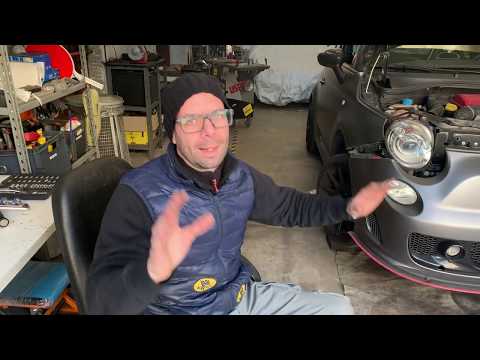
Fiat 500
(2007-2024 /
312)
The replacement of a front headlight bulb on a Fiat 500 Abarth vehicle follows the same steps used for replacing a front headlight bulb on a Fiat 500…
Fiat 500
(2007-2021 /
312)
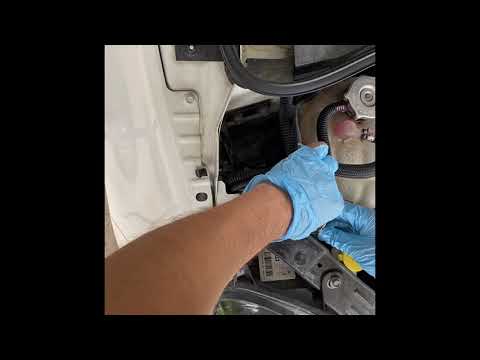
In today's video tutorial we will see how to remove and replace, in simple and quick steps, the headlight bulb on the Fiat 500, also in the Abarth ve…
Fiat 500
(2007-2021 /
312)
Let's see the replacement of the headlight bulb on a Fiat 500. We lift the front hood of the car, let's put it in safety. We remove the cover cap beh…
Other guides you may be interested in
|
How to Remove the Right Front Door Panel on an Opel Mokka
To remove the right front door panel on an Opel Mokka, follow these steps: disconnect the battery terminals located in the engine bay, then use a screwdriver to remove the screws from the upper door opening lever and the screws in the handle. Next, remove the covering plastic near the lever. Unscrew the remaining screws on the door panel and detach the retaining clips. Finally, pull the panel away with your hands and unclip it from the door (disconnect the power wiring and the release cable). Reassemble everything in reverse order. by ScegliAuto More videos
|
|
For advertising on this site Write to info@scegliauto.com
ScegliAuto is not responsible for any inaccuracy of the data in the lists. To report any inaccuracy or your business (if you own the business in question), please write to info@scegliauto.com
Number of seconds to generate the page: 0.058
(c) ScegliAuto 2026 - info@scegliauto.com - Privacy policy VAT number: IT01247470535 |
