
|
Do it yourself
| |||
| ||||


How to reset the service light on the Fiat Fiorino
Model: Fiat Fiorino
MK 2
- Years 1988-2014
Today we will explain how to reset the service light related to the car service of the Fiat Fiorino vehicle. The steps to follow to reset the light are: - turn on the instrument panel; - press the Trip A button, located on the display of the panel to access the mileage; - press the Ok and Call buttons to access the service menu; - select the "service" option; - select the "full service" option; - select the "reset" option; Return to the main menu to complete the reset of the light with the restart of the instrument panel. If the update is not successful, it is possible to proceed through a computer and an OBD port.
Posted on 5 January 2025 by ScegliAuto
Video tutorial
Related tutorials
Fiat Fiorino
(2007-2026 /
MK 3)
In order to reset the Service light of the Fiat Fiorino, you need to connect a diagnostic tool to the OBD port of the vehicle: this port can be found…

Fiat Fiorino
(2007-2026 /
MK 3)
The Service light on the Fiat Fiorino's instrument panel can be reset by connecting a diagnostic tool to the vehicle's OBD port: this port is located…
Fiat Fiorino
(2007-2026 /
MK 3)
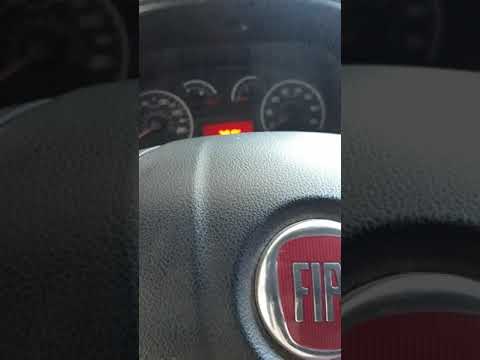
In this short video tutorial we will see how to reset the oil change routine maintenance service light on a second series Fiat Fiorino. First we get …
Other guides you may be interested in |
How to remove the original radio from a Peugeot 308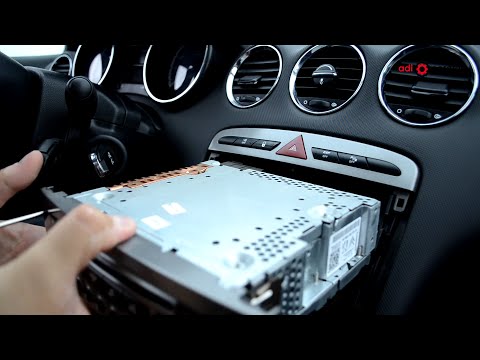
How to remove the original radio from a Peugeot 308? Follow these steps for disassembly: use the original or aftermarket metal keys to remove the stereo from the car. Insert the keys into the holes on the plastic cover of the stereo, pull the stereo towards you as shown in the video, and extract the radio while being careful of the various wiring (disconnect the power connectors and the antenna cable). Finally, reinstall the original radio or a generic brand one using the appropriate adapter (for the input and connector terminals). by ScegliAuto More videos
|
|
For advertising on this site Write to info@scegliauto.com
ScegliAuto is not responsible for any inaccuracy of the data in the lists. To report any inaccuracy or your business (if you own the business in question), please write to info@scegliauto.com
Number of seconds to generate the page: 0.046
(c) ScegliAuto 2026 - info@scegliauto.com - Privacy policy VAT number: IT01247470535 |
