
|
Do it yourself
| |||
| ||||


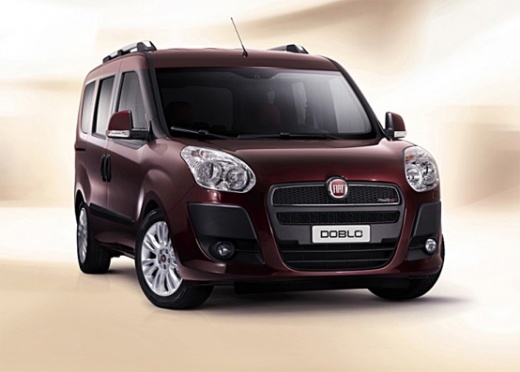
How to Replace the Rear Light Bulbs on a Fiat Doblo?
Model: Fiat Doblo
MK 2, Doblo 2, 263
- Years:
2009, 2010, 2011, 2012, 2013, 2014, 2015, 2016, 2017, 2018, 2019, 2020
Video tutorial
In this tutorial, see how to replace the rear light bulbs on a Fiat Doblo, a very simple and quick operation. First, ensure that the key is not inserted for safety, then open the boot, locate the three screws along the inner edge of the light in question, and unscrew them using a cross-head screwdriver. Next, grasp the light, separate it from the bodywork, and disconnect the power connector. At this point, open the internal base, replace the faulty bulb, and reassemble everything by following the reverse procedure.
Posted on 4 June 2026 by ScegliAuto
Related tutorials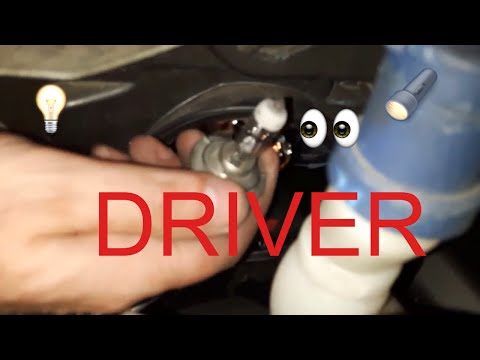
Fiat Doblo
(2000-2009 /
Doblo 1, MK 1, 223)
In this video, you will see how to replace the dipped beam bulbs in a Fiat Doblò, a very simple and quick operation. For this model, the bulbs must b…
Fiat Doblo
(2009-2021 /
MK 2, Doblo 2, 263)
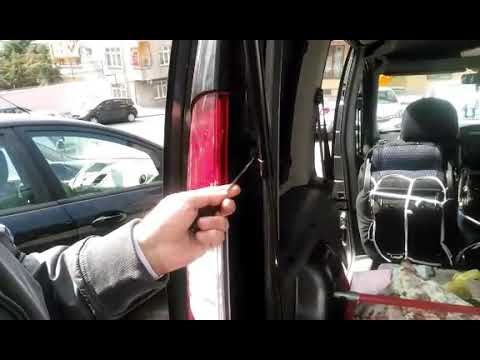
In this video tutorial, learn how to remove and replace the bulbs in the rear light of a second generation Fiat Doblò. First, open the boot door and …
Fiat Doblo
(2000-2009 /
Doblo 1, MK 1, 223)
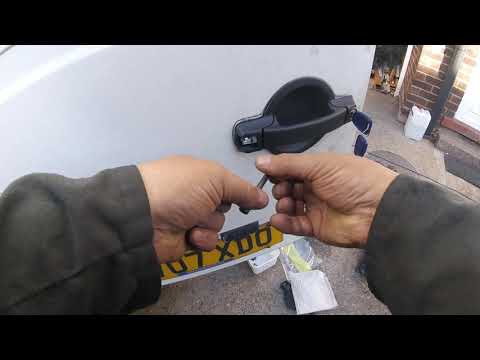
Is the lock on your Fiat Doblo damaged? Let's go through the disassembly of the rear tailgate lock of the Doblo. Remove the handle cover, unscrew the…
Other guides you may be interested in
|
Where are the fuses located on the Renault Laguna?
On the Renault Laguna, the fuses are located inside the fuse boxes installed in the vehicle: in this car model, you will find two boxes for containing the fuses. The first is in the fuse box on the left side of the dashboard, accessible by opening the driver's door: here you will find the fuses for the windscreen wipers, fog lights, horn, etc. The second box is located on the right side of the engine compartment: here you will find the fuses for the dipped headlights, radiator fan, alternator, etc. by ScegliAuto More videos
|
|
For advertising on this site Write to info@scegliauto.com
ScegliAuto is not responsible for any inaccuracy of the data in the lists. To report any inaccuracy or your business (if you own the business in question), please write to info@scegliauto.com
Number of seconds to generate the page: 0.086
(c) ScegliAuto 2026 - info@scegliauto.com - Privacy policy VAT number: IT01247470535 |
