
|
Do it yourself
| |||
| ||||


How to Remove the Logo from the Front Bumper of a Fiat 500
Model: Fiat 500
312
- Years 2007-2024
How to remove the logo from the front bumper of a Fiat 500? Once you have opened and lifted the front bonnet of the car: unscrew the securing screws located above the bumper (using a socket or screwdriver). Remove the plastic part of the trim located at the centre of the bonnet and unscrew the logo with the appropriate spanner. Once all parts are removed, proceed with reassembly: secure the logo to the front bumper (tightening the pins on it). Finally, tighten all the pins on the upper part of the bumper. Check the correct fitting of the parts.
Updated on 12 March 2026 by ScegliAuto
Video tutorial
Related tutorials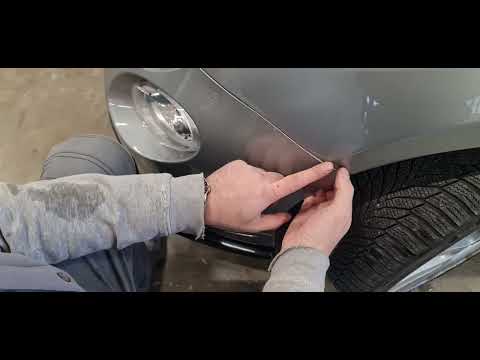
Fiat 500
(2007-2024 /
312)
The steps to remove the front bumper of the Fiat 500 Abarth are simple and quick to perform independently, thanks also to our short video tutorial. T…
Fiat 500
(2012-2023 /
500 L)
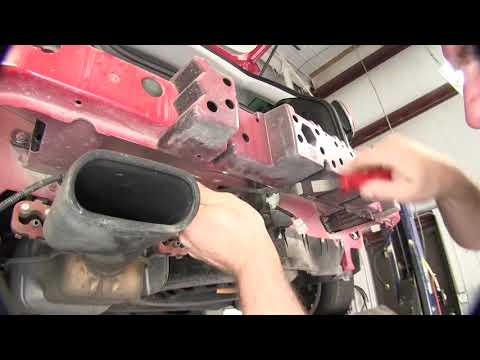
Before you start, open the boot of your Fiat 500L. Begin by unscrewing and removing the screws that secure the rear bumper to the chassis, located ar…

Fiat 500
(2020-2026 /
500 E, 332)
In this article we will show you how to replace the battery of the electric Fiat 500 key, the procedure requires only a small flathead screwdriver an…
Other guides you may be interested in
|
Frequently Asked QuestionsHow to Open the Bonnet on the Lancia Y
To open the bonnet on this vehicle, follow these simple instructions: first, open the driver's door and locate the lever positioned just below the dashboard, marked with an image of the vehicle with the bonnet open. Pull this lever towards you until you hear a "click" indicating the bonnet is released. Next, exit the cabin and stand in front of the bonnet to disengage the safety catch and complete the opening. To do this, slightly lift the bonnet, locate the yellow lever underneath, and pull it to the left to fully release and open the bonnet. by ScegliAuto More videos
|
|
For advertising on this site Write to info@scegliauto.com
ScegliAuto is not responsible for any inaccuracy of the data in the lists. To report any inaccuracy or your business (if you own the business in question), please write to info@scegliauto.com
Number of seconds to generate the page: 0.087
(c) ScegliAuto 2026 - info@scegliauto.com - Privacy policy VAT number: IT01247470535 |
