
|
Do it yourself
| |||
| ||||


Turn off the tire warning light on the 500X
Model: Fiat 500
500 X
- Years 2014-2022
Let's see how to turn off the tire warning light on a Fiat 500X when it appears on the instrument panel display. We enter the passenger compartment and turn on the instrument panel with the button; we enter the settings menu (we use the control levers to scroll the menu). Let's scroll down to find the tire maintenance to be done. We select the desired maintenance and confirm with the confirm button. We turn off the instrument panel once the warning light has gone out. Always remember to modify the car with the engine off. We use the instrument cluster menu to check the warning lights.
Posted on 13 November 2020 by ScegliAuto
Video tutorial
Related tutorials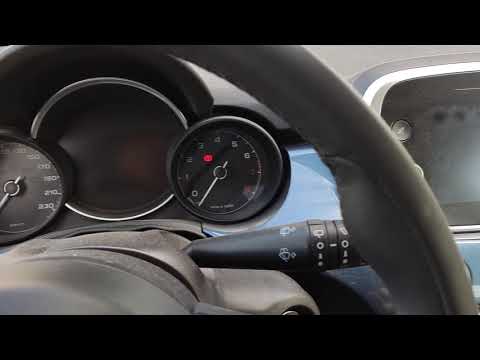
Fiat 500
(2014-2022 /
500 X)
How to reset the tire pressure warning light on a Fiat 500X. We turn on the instrument panel with the key, scroll through the menu with the buttons a…
Fiat 500
(2014-2022 /
500 X)
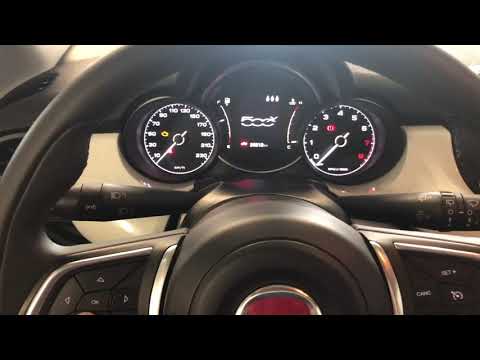
Before we can start, we will have to sit in the driver's seat of our Fiat 500X. Let's start by selecting the vehicle settings page, using the selecti…
Fiat 500
(2014-2022 /
500 X)
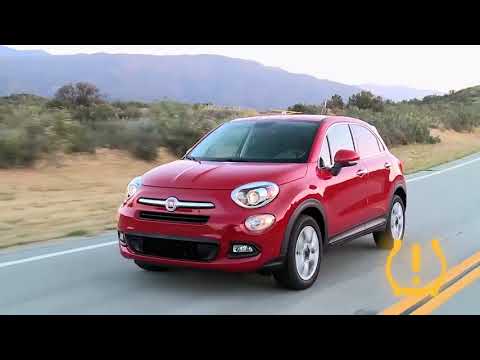
To reset the tire pressure warning light of the Fiat 500X, first, you need to inflate all the tires, so they are brought back to the recommended pres…
Other guides you may be interested in
|
How to Open the Door of a Golf 7 with a Flat Key Battery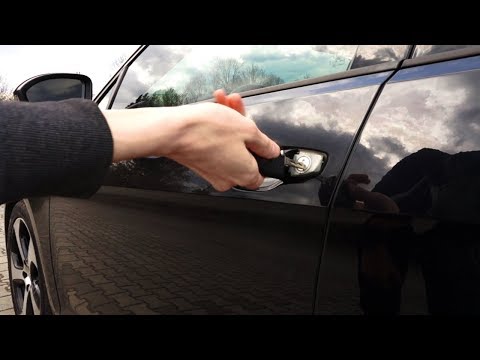
Is the remote key battery of the Golf flat and you don’t know how to open the car? Here’s what to do. Take your remote and press the button to release the metal key. Once extracted, use the key to pry into the space of the handle until the piece detaches. Insert the key into the lock and open the car door. To close the lock: take the cap and press down on the handle until you hear the locking click. Open the remote key and replace the battery. by ScegliAuto More videos
|
|
For advertising on this site Write to info@scegliauto.com
ScegliAuto is not responsible for any inaccuracy of the data in the lists. To report any inaccuracy or your business (if you own the business in question), please write to info@scegliauto.com
Number of seconds to generate the page: 0.077
(c) ScegliAuto 2026 - info@scegliauto.com - Privacy policy VAT number: IT01247470535 |
