
|
Do it yourself
| |||
| ||||


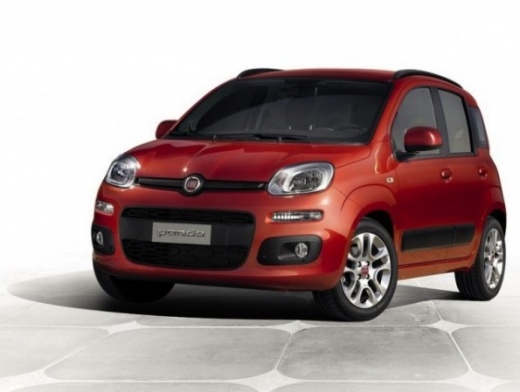
Resetting the Service Light on Fiat Panda
Model: Fiat Panda
319, MK 3
- Years:
2012, 2013, 2014, 2015, 2016, 2017, 2018, 2019, 2020, 2021, 2022, 2023
This video is currently unavailable
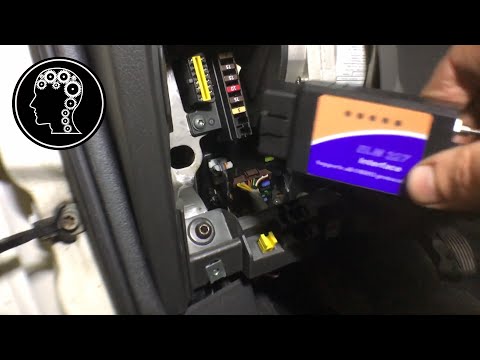
In this video, we will see the steps to reset the service light for the regular maintenance oil change on a Fiat Panda, as well as on other models from the same manufacturer. To do this, we need to obtain an OBD scanner at the appropriate socket; then, using this diagnostic tool, connect the computer and with the specific software, select the make and model of the vehicle. Through a scan, we will check for any errors present in the vehicle: then follow the reset procedure to successfully clear the maintenance light!
Updated on 16 April 2026 by ScegliAuto
Related tutorials
Fiat Panda
(2012-2026 /
319, MK 3)
Today, learn how to reset the service light related to the service interval on the Fiat Panda. The service light and oil light illuminate on the vehi…
Fiat Panda
(2003-2012 /
169, MK 2)
In today's video, you will reset the service light for the regular oil change maintenance on a Fiat Panda 1.3 MultiJet second series, but this also a…
Fiat Panda
(2012-2026 /
319, MK 3)
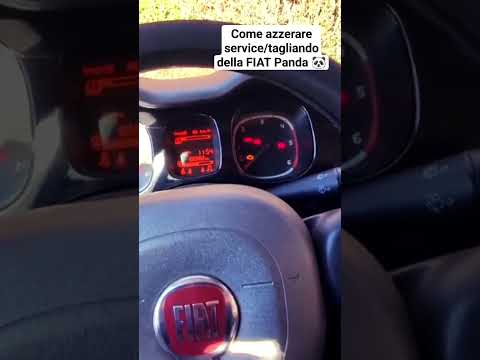
Today, we will discover the steps that will show you how to reset the service light for the regular maintenance oil change on the Fiat Panda. First, …
Other guides you may be interested in |
Frequently Asked QuestionsWhere are the fuses located on the Renault Laguna?
On the Renault Laguna, the fuses are located inside the fuse boxes installed in the vehicle: in this car model, you will find two boxes for containing the fuses. The first is in the fuse box on the left side of the dashboard, accessible by opening the driver's door: here you will find the fuses for the windscreen wipers, fog lights, horn, etc. The second box is located on the right side of the engine compartment: here you will find the fuses for the dipped headlights, radiator fan, alternator, etc. by ScegliAuto More videos
|
|
For advertising on this site Write to info@scegliauto.com
ScegliAuto is not responsible for any inaccuracy of the data in the lists. To report any inaccuracy or your business (if you own the business in question), please write to info@scegliauto.com
Number of seconds to generate the page: 0.020
(c) ScegliAuto 2026 - info@scegliauto.com - Privacy policy VAT number: IT01247470535 |
