
|
Do it yourself
| |||
| ||||


Video tutorial
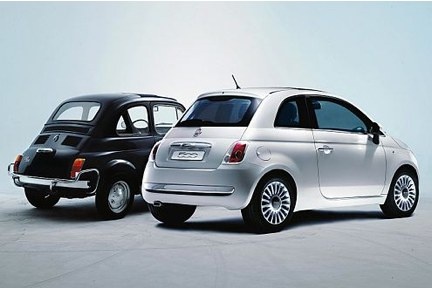
If the display of your new Fiat 500 shows a date and time different from the correct one, you need to manually change both. To do this, simply follow the steps outlined in this mini guide. First, turn on the car's ignition and infotainment system. Next, go to the settings and select "Time and Date". Choose the "Change Time" option and set the hour and minute digits. Go back to save the changes and enter the menu to change the date. Set the date as well and exit the menu to save the changes again.
Updated on 14 May 2026 by ScegliAuto
Related tutorials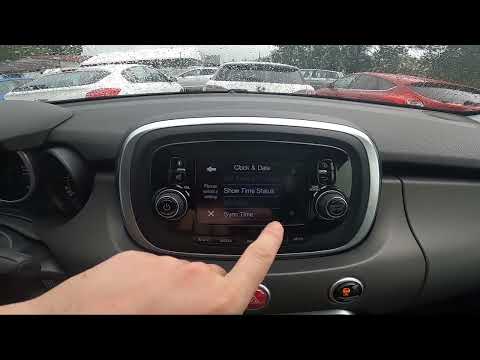
Fiat 500
(2014-2022 /
500 X)
Setting the time and date on a Fiat 500 X is a procedure that follows very simple steps that you can perform independently, aided by our short video …
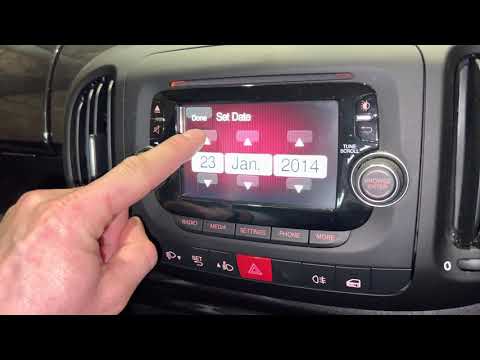
Fiat 500
(2012-2023 /
500 L)
In this brief video guide, follow all the necessary steps to change the date and time on a Fiat 500L, produced from 2012 to 2021. To perform this ope…
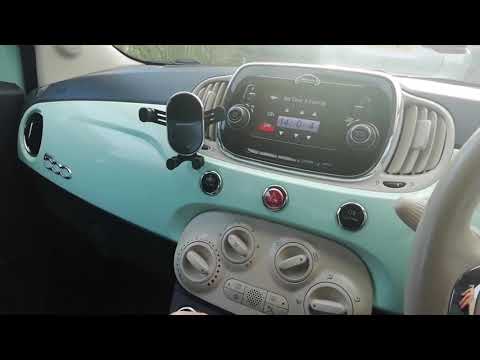
Fiat 500
(2007-2021 /
312)
If due to a system error or simply for your needs you want to manually change the time and date displayed on your Fiat 500, just follow the instructi…
Other guides you may be interested in |
How to open the boot if it is stuck on a Mercedes B-Class?
On the Mercedes B-Class, the boot may become stuck, possibly due to a problem with the control button or the lock actuator. In this case, perform the emergency opening by following the simple procedure shown in this tutorial. First, unlock the locks with the remote control, then open the rear doors and, by operating the indicated lever, lower the backrest of the seat. Next, go inside the boot, locate the indicated gap, and manually unlock the lock using a small screwdriver. by ScegliAuto More videos
|
|
For advertising on this site Write to info@scegliauto.com
ScegliAuto is not responsible for any inaccuracy of the data in the lists. To report any inaccuracy or your business (if you own the business in question), please write to info@scegliauto.com
Number of seconds to generate the page: 0.019
(c) ScegliAuto 2026 - info@scegliauto.com - Privacy policy VAT number: IT01247470535 |
