
|
Do it yourself
| |||
| ||||


Ford Galaxy - KeyKey Ford Galaxy (2015-2023 / mk 3) Ford Galaxy (2015-2023 / MK 3) How to replace the battery of the Ford Galaxy car remote control To replace the battery of the Ford Galaxy car remote control, we need to purchase a CR 2032 model battery. We use a flat-head screwdriver for the entire …Read all… Posted on 21 October 2025 by ScegliAuto  Ford Galaxy (2015-2023 / MK 3) How to replace the battery of the Ford Galaxy 3 key To replace the small button battery located in the key of your Ford Galaxy Mk3 on your own, you must first carefully read the following guide and then follow …Read all… Posted on 20 May 2025 by ScegliAuto  Ford Galaxy (2015-2023 / MK 3) How to Replace the Key Battery of the Ford Galaxy Gather all the necessary information to disassemble and replace the battery of the remote key for the Ford Galaxy, as well as the Mondeo and S-Max. First, take …Read all… Posted on 6 October 2026 by ScegliAuto 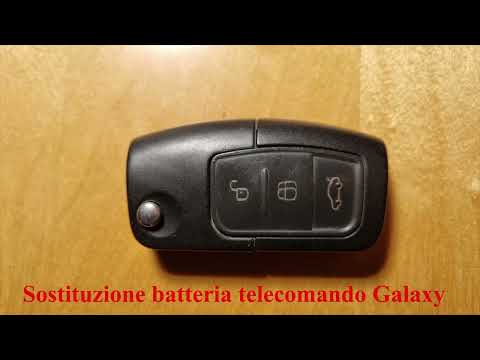 Ford Galaxy (2006-2015 / MK 2) How to Replace the Remote Battery on the Ford Galaxy This video tutorial shows the procedure for replacing the battery in the key/remote of the Ford Galaxy. The required battery is a CR2032, and it should be …Read all… Posted on 25 September 2026 by ScegliAuto 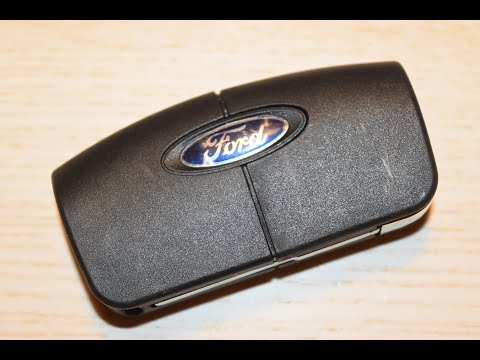 Ford Galaxy (2006-2015 / MK 2) How to Replace the Key Battery on the Ford Galaxy 2 With this guide, you will be able to replace the button battery in your Ford Galaxy Mk2 (2006-2015) key in just a few minutes without any difficulty. First, …Read all… Posted on 30 August 2026 by ScegliAuto Key Ford Galaxy (2006-2015 / mk 2)
Ford Galaxy (2015-2023 / MK 3)How to replace the battery of the Ford Galaxy car remote control To replace the battery of the Ford Galaxy car remote control, we need to purchase a CR 2032 model battery. We use a flat-head screwdriver for the entire …Read all… Posted on 21 October 2025 by ScegliAuto
Ford Galaxy (2015-2023 / MK 3)How to replace the battery of the Ford Galaxy 3 key To replace the small button battery located in the key of your Ford Galaxy Mk3 on your own, you must first carefully read the following guide and then follow …Read all… Posted on 20 May 2025 by ScegliAuto
Ford Galaxy (2015-2023 / MK 3)How to Replace the Key Battery of the Ford Galaxy Gather all the necessary information to disassemble and replace the battery of the remote key for the Ford Galaxy, as well as the Mondeo and S-Max. First, take …Read all… Posted on 6 October 2026 by ScegliAuto
Ford Galaxy (2006-2015 / MK 2)How to Replace the Remote Battery on the Ford Galaxy This video tutorial shows the procedure for replacing the battery in the key/remote of the Ford Galaxy. The required battery is a CR2032, and it should be …Read all… Posted on 25 September 2026 by ScegliAuto
Ford Galaxy (2006-2015 / MK 2)How to Replace the Key Battery on the Ford Galaxy 2 With this guide, you will be able to replace the button battery in your Ford Galaxy Mk2 (2006-2015) key in just a few minutes without any difficulty. First, …Read all… Posted on 30 August 2026 by ScegliAuto Airbag (1) Car stereo (5) Battery (3) Control arm (2) Key (5) Timing belt (3) Checks and maintenance (2) Headlight (1) Tail light (1) Fog lights (3) Air filter (2) Cabin air filter (2) Diesel fuel filter (3) Oil filter (1) Parking brake (1) Headlight bulb (3) (1) Engine (1) Engine oil (3) Clock (1) Door trim panel (3) Rear bumper (2) Fuel pump (2) Instrument cluster (1) Fuse box (15) Seat (2) Side mirror (2) Warning light – error code (4) Tire pressure warning light (1) Service warning light (18) Center console tunnel (1) |
How to reset the Service light on a 2019 Jeep Renegade?
The Service light, depicted as a yellow spanner, illuminates as scheduled to remind the driver that it is time for scheduled maintenance. This means that the set mileage has been reached, or the expected time has passed. The procedure involves turning on the instrument cluster, pressing the accelerator three times, and then turning off the ignition. After this, keep the brake pressed, turn the ignition back on, and then turn it off again. Upon the next ignition, you will notice that the light has been reset. by ScegliAuto More videos
|
|
For advertising on this site Write to info@scegliauto.com
ScegliAuto is not responsible for any inaccuracy of the data in the lists. To report any inaccuracy or your business (if you own the business in question), please write to info@scegliauto.com
Number of seconds to generate the page: 0.007
(c) ScegliAuto 2026 - info@scegliauto.com - Privacy policy VAT number: IT01247470535 |
