
|
Do it yourself
| |||
| ||||


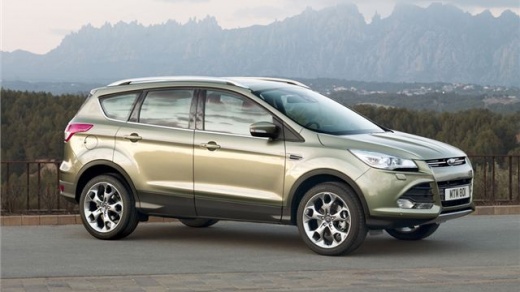
How to Fix the Dashboard Creaking Issue on the Ford Kuga MK2
If the dashboard of your Ford Kuga is creaking, follow these steps to remedy the issue: use a plastic spatula to remove the grille located on the top of the dashboard, then unscrew the two screws holding the plastic flap beneath the grille. Carefully lift it, being mindful of the electrical connectors attached. Apply sound-absorbing tape where the cover contacts and there are no protections to prevent potential creaks; check thoroughly for any problematic areas. Now, you can reassemble the cover and grille, ensuring that nothing creaks anymore.
Updated on 20 July 2026 by ScegliAuto
Video tutorial
Related tutorials
Ford Kuga
(2012-2019 /
C520, MK 2)
In this video we can see how to reset the airbag light on a Ford Kuga, but the same system is valid for any other Ford vehicle. Of course, this is a …
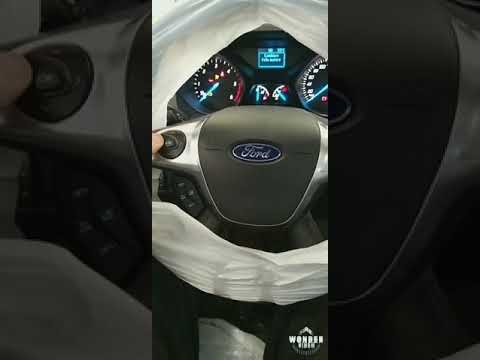
Ford Kuga
(2012-2019 /
C520, MK 2)
This short video tutorial outlines all the steps to take to resolve the issue of the tyre pressure warning light coming on in a Ford Kuga. If the rea…
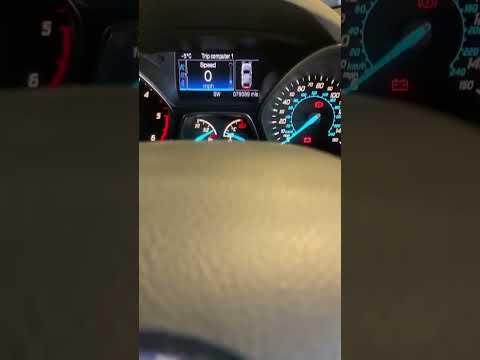
Ford Kuga
(2012-2019 /
C520, MK 2)
If the service light on your Ford Kuga remains illuminated on the instrument panel even after servicing the vehicle, it indicates a minor error in th…
Other guides you may be interested in
|
How to Remove the Headrests from a Fiat Panda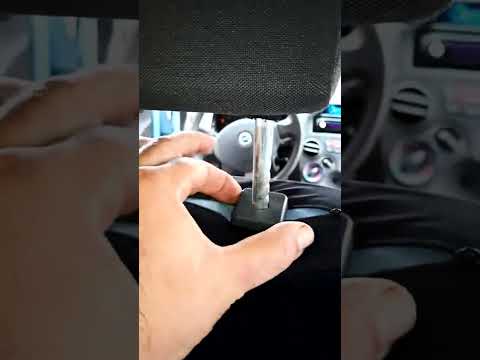
Below are the instructions to remove the headrests, both front and rear, from the Fiat Panda. First, get inside the vehicle and press and hold the side button located at the base of the headrest. Then, while holding the button, pull the headrest upwards to remove it, as shown in the video. At this point, perform the same operation on the other headrests. Now, simply insert them back in while holding the button, and finally adjust the height of all the headrests! by ScegliAuto More videos
|
|
For advertising on this site Write to info@scegliauto.com
ScegliAuto is not responsible for any inaccuracy of the data in the lists. To report any inaccuracy or your business (if you own the business in question), please write to info@scegliauto.com
Number of seconds to generate the page: 0.621
(c) ScegliAuto 2026 - info@scegliauto.com - Privacy policy VAT number: IT01247470535 |
