
|
Do it yourself
| |||
| ||||


How to Perform Oil Maintenance
Model: Ford Galaxy
MK 2
- Years 2006-2015
To perform oil filter maintenance, lift the car on axle stands. Then, unscrew the screws to remove the panel located underneath. Next, use a 21 mm spanner to open the 9 mm bolt that prevents oil from leaking out. At this point, after placing a container underneath, proceed to unscrew it. The oil will flow out immediately. Meanwhile, open the bonnet and remove the plastic cover, as it will require some effort to extract the filter housing and replace the gasket and the filter itself located inside. After that, reassemble it and close the panel underneath the car. You will then be ready to pour in the new oil and check that it is at the correct level.
Updated on 24 February 2026 by ScegliAuto
Video tutorial
Related tutorials
Ford Galaxy
(2015-2023 /
MK 3)
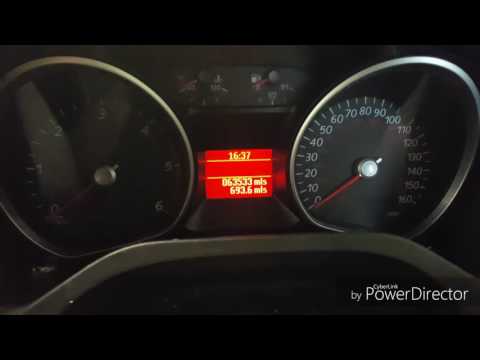
To reset the maintenance reminder on the Ford Galaxy, turn on the ignition and keep the car safely stationary. Use the steering wheel controls (arrow…
Ford Galaxy
(2006-2015 /
MK 2)
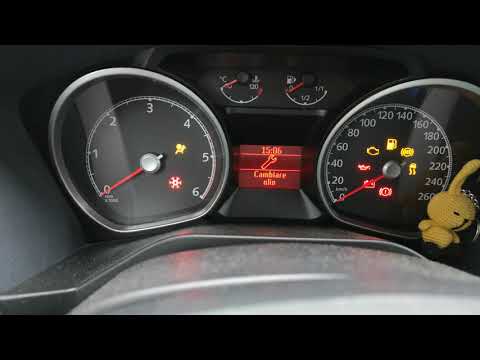
In this very short video tutorial, we will see how to reset the maintenance light on a 2007 Ford Galaxy. The operation to be performed is really very…
Ford Galaxy
(2006-2015 /
MK 2)
In today's video tutorial we will briefly see how to reset the oil change routine maintenance service light on a Ford Galaxy second series. Let's get…
Other guides you may be interested in
|
How to Replace the Number Plate Bulb on Citroen C3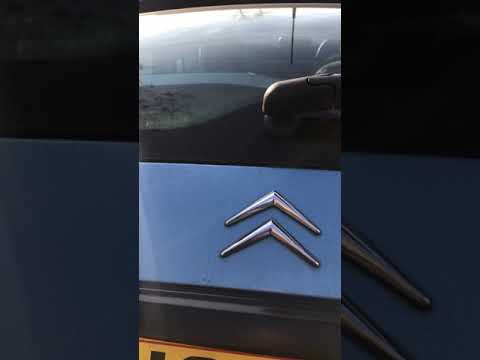
To replace the number plate bulb on a Citroen C3, use a screwdriver or plastic lever to remove the light cover (plastic housing) located in the rear bumper of the car. Once the light cover is removed, extract the bulb holder (using your hands), then disconnect the bulb from it. Fit the new LED bulb (same size and voltage) into the holder, then refit the light cover into the tailgate metal by pressing until the clips lock automatically. Test the correct operation of the previously installed bulb. by ScegliAuto More videos
|
|
For advertising on this site Write to info@scegliauto.com
ScegliAuto is not responsible for any inaccuracy of the data in the lists. To report any inaccuracy or your business (if you own the business in question), please write to info@scegliauto.com
Number of seconds to generate the page: 0.050
(c) ScegliAuto 2026 - info@scegliauto.com - Privacy policy VAT number: IT01247470535 |
