
|
Do it yourself
| |||
| ||||



How to Replace the Oil Filter in a Ford Galaxy?
Model: Ford Galaxy
MK 3
- Years:
2015, 2016, 2017, 2018, 2019, 2020, 2021, 2022, 2023
Video tutorial
In this tutorial, see how to replace the oil filter in the Ford Galaxy, a very simple and quick operation that also includes changing the oil itself. First, ensure the engine is cool enough, then lift the front of the vehicle, taking all necessary safety precautions. Next, remove the lower plastic cover, locate the drain bolt, and unscrew it using a 21mm socket spanner. Allow all the oil in the system to drain out, unscrew the filter housing accessible from the engine bay, and insert the replacement along with a new seal. Complete the operation by pouring in the new oil through the designated hole.
Updated on 24 September 2026 by ScegliAuto
Related tutorials
Ford Galaxy
(2015-2023 /
MK 3)
To replace the engine oil on the Ford Galaxy, access the underside of the engine bay and locate the oil drain plug, which is in this position: you ca…
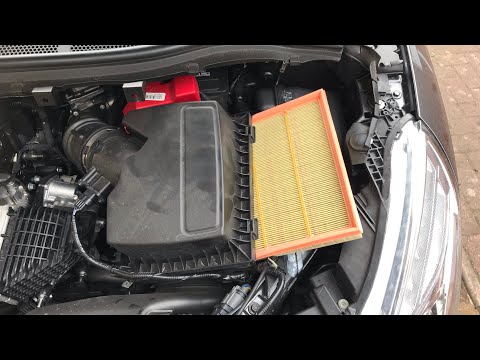
Ford Galaxy
(2006-2015 /
MK 2)
Replace the air filter of a Ford Galaxy if you have reached the mileage indicated in the workshop manual. Open the car door, pull up the engine compa…
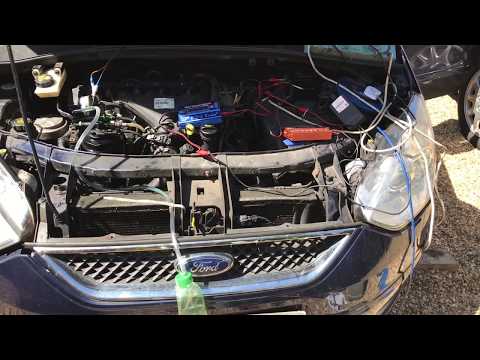
Ford Galaxy
(2006-2015 /
MK 2)
Do you want to replace the diesel filter on a Ford Galaxy? Let's look at removing the diesel filter from its designated area. Lift the front bonnet, …
Other guides you may be interested in
|
Where are the fuses located on the Renault Laguna?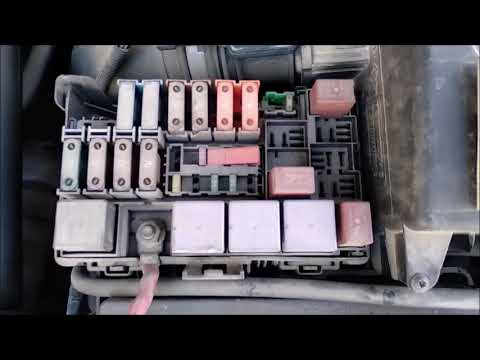
On the Renault Laguna, the fuses are located inside the fuse boxes installed in the vehicle: in this car model, you will find two boxes for containing the fuses. The first is in the fuse box on the left side of the dashboard, accessible by opening the driver's door: here you will find the fuses for the windscreen wipers, fog lights, horn, etc. The second box is located on the right side of the engine compartment: here you will find the fuses for the dipped headlights, radiator fan, alternator, etc. by ScegliAuto More videos
|
|
For advertising on this site Write to info@scegliauto.com
ScegliAuto is not responsible for any inaccuracy of the data in the lists. To report any inaccuracy or your business (if you own the business in question), please write to info@scegliauto.com
Number of seconds to generate the page: 0.023
(c) ScegliAuto 2026 - info@scegliauto.com - Privacy policy VAT number: IT01247470535 |
