
|
Do it yourself
| |||
| ||||


How to replace the battery of the Genesis G80
Model: Genesis G80
MK 2, DH
- Years 2016-2020
Let's see in this guide how to disassemble and replace the battery of the Genesis G80, in simple and quick steps. First of all we open the tailgate of the trunk and begin to remove the floor or the covering, thus accessing the spare wheel and our battery; after which we unscrew the screws of both terminals (positive and negative pole), then unscrewing the screw of the bracket that we find at the base, as shown in the video. Now remove and replace the battery with the new one, having the same amperage, making the electrical connections again!
Posted on 10 May 2022 by ScegliAuto
Video tutorial
Related tutorials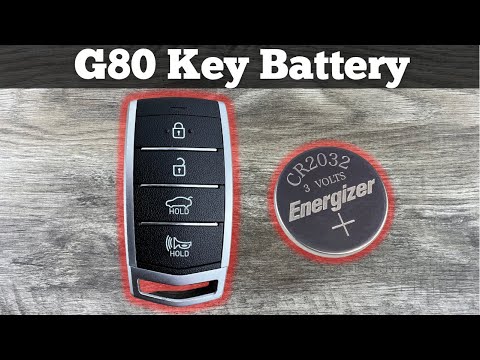
Genesis G80
(2016-2020 /
MK 2, DH)
Replacing the battery of the Genesis G80 remote control is a very simple and fast operation, let's see how to proceed in this tutorial. To do this, w…
Genesis G80
(2016-2020 /
MK 2, DH)
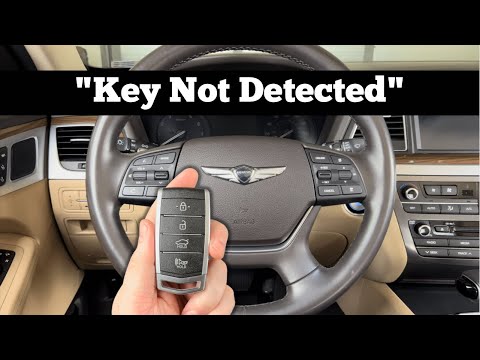
If you can't start your Genesis G80 normally because the smart key stopped working suddenly don't worry because below we will explain how to fix the …

Genesis G80
(2016-2020 /
MK 2, DH)
Today's steps will show us how to disassemble and replace the cabin air filter of the Genesis G80. First, we open the front passenger side door and s…
Other guides you may be interested in
|
Resetting Tyre Pressure Light on Ford Fiesta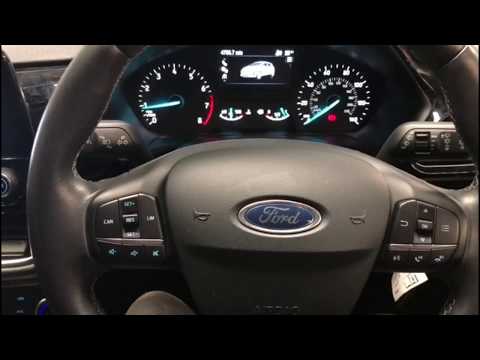
In this video tutorial, you will learn how to reset the tyre pressure warning light on a Ford Fiesta. Get into the car and turn on the ignition: you will notice that the warning light stays on unlike the others that turn off. Then press the button on the steering wheel for the menu and scroll through the display until you find "tyre pressure". Click and proceed to reset; then all you need to do is turn off the ignition and turn it back on. You will see that the warning light has been reset! Check the correct pressure of all the tyres! by ScegliAuto More videos
|
|
For advertising on this site Write to info@scegliauto.com
ScegliAuto is not responsible for any inaccuracy of the data in the lists. To report any inaccuracy or your business (if you own the business in question), please write to info@scegliauto.com
Number of seconds to generate the page: 0.080
(c) ScegliAuto 2026 - info@scegliauto.com - Privacy policy VAT number: IT01247470535 |
