
|
Do it yourself
| |||
| ||||


How do you read the messages from the Genesis GV70 infotainment?
Model: Genesis Gv70
MK 1
- Years 2020-2026
To be able to read the messages from the Genesis GV70 infotainment system, you must first connect your smartphone via bluetooth: to do this, you will need to access the settings from the menu on the central display and establish the connection. Once the smartphone has been connected, the message notifications will be displayed directly on the central display: from here it will be possible to read the message, listen to it or archive it. When the messages are archived, they will be moved to a special folder that will allow them to be viewed later; however, the link is only available for Android devices.
Posted on 21 August 2022 by ScegliAuto
Video tutorial
Related tutorials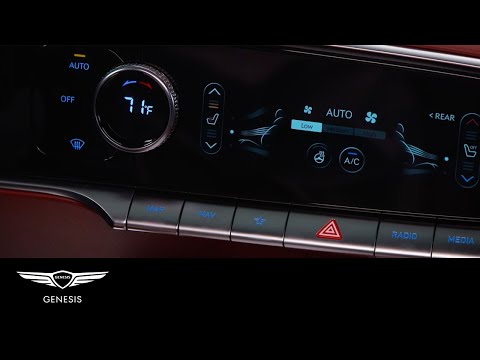
Genesis Gv70
(2020-2026 /
MK 1)
One feature of the Genesis GV70 is the ability to offer both seat heating and ventilation for the front seats. In this video, we will see how this pa…

Genesis Gv70
(2020-2026 /
MK 1)
Let's see in this video how to remove and replace the external rearview mirror of the Genesis Gv70. First we open the front door and start by disasse…

Genesis Gv70
(2020-2026 /
MK 1)
In order to activate the Connected Services system of the Genesis GV70, you need to turn on the instrument panel and navigate the menu on the central…
Other guides you may be interested in
|
How to Replace the Gear Knob on an Opel Astra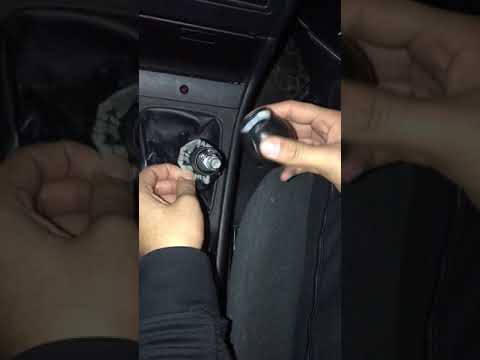
Want to replace the gear knob and gaiter on an Opel Astra? Follow these steps: Use a plastic lever to detach the leather gaiter frame. Grip the knob and rotate it left and right until it comes off the gear stick (cut the plastic tie if present). For installation: Take the new knob and slide it onto the stick in the centre console, securing it in place; fit the new leather gaiter (plastic frame) using clips and all the trim plastics. Test the correct operation of the part. by ScegliAuto More videos
|

|
For advertising on this site Write to info@scegliauto.com
ScegliAuto is not responsible for any inaccuracy of the data in the lists. To report any inaccuracy or your business (if you own the business in question), please write to info@scegliauto.com
Number of seconds to generate the page: 0.059
(c) ScegliAuto 2026 - info@scegliauto.com - Privacy policy VAT number: IT01247470535 |
