
|
Do it yourself
| |||
| ||||


How do you replace the rear shock absorbers on the GMC Acadia?
Model: GMC Acadia
MK 1
- Years 2007-2016
In order to replace the rear shock absorbers of the GMC Acadia you will have to go and lift the car with a jack, so that the rear wheels are not in contact with the floor. After the car has been raised, it will be necessary to loosen the bolts that secure the corresponding wheel, removing it completely. Once the wheel has been removed, it will be possible to unscrew the bolts that secure the shock absorber both in the lower and in the upper part. In this way the piece can be removed, the new one can be inserted and the wheel can be fixed again.
Posted on 2 May 2022 by ScegliAuto
Video tutorial
Related tutorials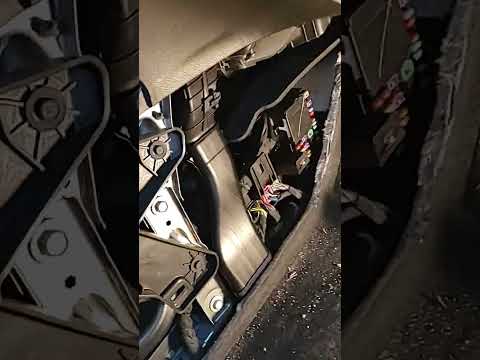
GMC Acadia
(2017-2024 /
MK 2)
In this new guide dedicated to your GMC Acadia second series (year 2017) we will find out where the main fuse box is located. For safety reasons, bef…

GMC Acadia
(2007-2016 /
MK 1)
In order to replace the cabin filter of the GMC Acadia, you need to open the glove compartment located on the front passenger side: once opened, you …
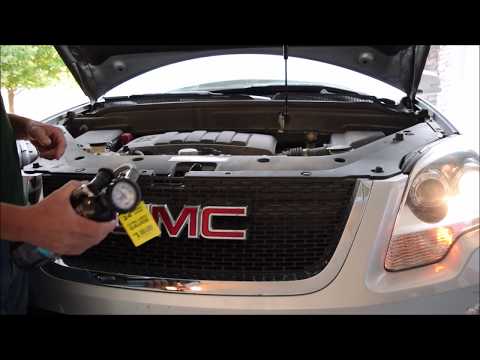
GMC Acadia
(2007-2016 /
MK 1)
If you have encountered any anomaly in the air conditioning system in your Gmc Acadia this DIY video tutorial will undoubtedly be of great help to yo…
Other guides you may be interested in
|
How to Disassemble and Remove the Rear Camera of a Mercedes CLA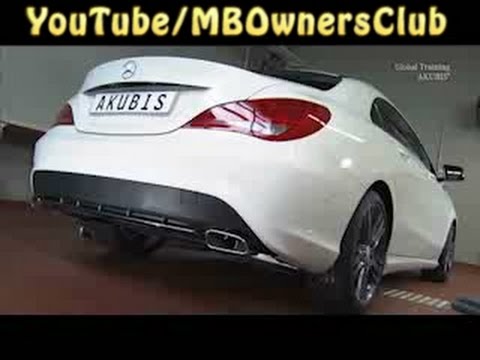
In this video, see how to disassemble and remove the camera (where the license plate light is located) from the rear hatch of a Mercedes CLA. First, open the rear hatch of the car, then remove the rear license plate. Use a screwdriver to remove the screws on the plastic trim of the hatch. Disconnect the plastic trim of the license plate light from the hatch, and use a screwdriver to remove the retaining clips (located between the hatch metal and the plastic trim). Finally, remove the rear camera located in the hatch (disconnect the power connector of the camera) of the car. For reassembly, proceed in reverse order. by ScegliAuto More videos
|
|
For advertising on this site Write to info@scegliauto.com
ScegliAuto is not responsible for any inaccuracy of the data in the lists. To report any inaccuracy or your business (if you own the business in question), please write to info@scegliauto.com
Number of seconds to generate the page: 0.048
(c) ScegliAuto 2026 - info@scegliauto.com - Privacy policy VAT number: IT01247470535 |
