
|
Do it yourself
| |||
| ||||


|
Model: Harley Davidson Dyna
In today's tutorial video, you will learn how to remove and replace the front brake pads on the Harley Davidson Dyna Street Bob, following the instructions below. First, remove the front brake caliper to detach it from the disc; to do this, unscrew the mounting bolts, using leverage on the piston to retract it. At this point, remove the old brake pads and replace them with high-quality new ones; clean the caliper of dirt and insert the new brake pads, following the tutorial video to the end!
Updated on 7 June 2026 by ScegliAuto
Video tutorial
Related tutorials
Dyna
Today's guide will show you how to remove and replace the rear brake pads on a Harley Davidson Dyna. First, place the motorcycle on a stand and begin…
Dyna
Today, let's discover the main instructions on how to remove and replace the front brake pads of the Harley Davidson Dyna motorcycle. First, place th…

Dyna
In order to replace the brake pads of the Harley Davidson Dyna, you need to loosen the screws that hold the brake calipers to the appropriate discs, …
|
How to Remove the Engine from the Piaggio Vespa GTS 250 - 300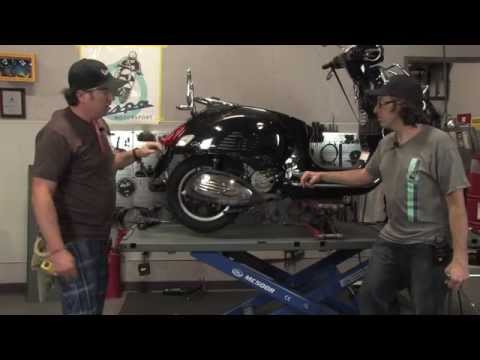
In this guide, you will learn how to remove the engine block from the body of the Piaggio Vespa GTS 250 and GTS 300. First, place your scooter on the centre stand and begin by removing the exhaust silencer by unscrewing the bolts; then, unscrew the central bolt of the wheel hub and remove the entire wheel, as shown in the video. At this point, disconnect the suspension from the engine block by detaching the fuel lines and various wiring; then, remove the engine block, applying the reverse procedure for reassembly! by ScegliAuto More videos
|
For advertising on this site Write to info@scegliauto.com
ScegliAuto is not responsible for any inaccuracy of the data in the lists. To report any inaccuracy or your business (if you own the business in question), please write to info@scegliauto.com
Number of seconds to generate the page: 0.113
(c) ScegliAuto 2026 - info@scegliauto.com - Privacy policy VAT number: IT01247470535 |
