
|
Do it yourself
| |||
| ||||


|
Model: Harley Davidson Sportster
Today, let’s look at the guide to remove and replace the clutch discs on a Harley Davidson Sportster motorcycle. First, place the bike on a stand and start by removing the clutch side cover, unscrewing all the fastening screws; then remove the clutch push plate and subsequently take out all the other clutch discs, as shown in the video. At this point, install the new original clutch discs, ensuring proper alignment and correctly installing all the sealing rings, following the video tutorial until the end for reassembly!
Updated on 31 July 2026 by ScegliAuto
Video tutorial
Related tutorials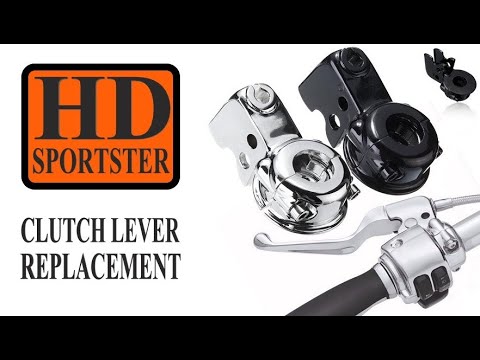
Sportster
To replace the clutch lever on a Harley Davidson Sportster, first loosen the nuts on the cable to increase slack on the clutch lever. For more space,…

Sportster
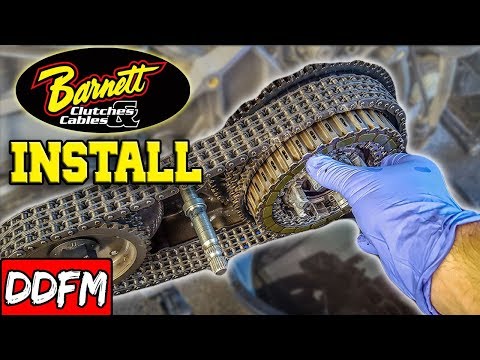
In this video tutorial, you will see the main steps to remove and replace the clutch on a Harley Davidson Sportster. First, remove the clutch side en…
Sportster
To replace the clutch on a Harley Davidson Sportster, unscrew the screws securing the cover on the left side of the bike. Once the screws are loosene…
|
How to Change the Engine Oil in the Harley-Davidson Iron 883?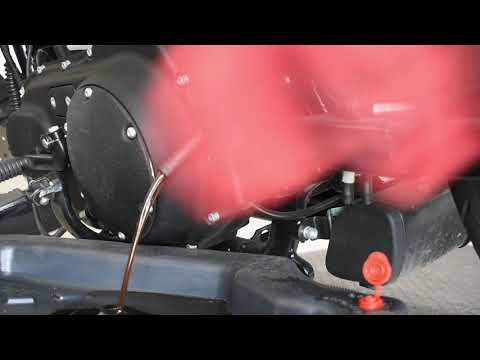
In this tutorial, you will learn how to change the engine oil in the Harley-Davidson Iron 883, a very simple and quick operation to perform every 12 months. First, wait for the engine to cool down, then open the filler cap located on the upper right side, disconnect the drain hose, and remove the plug by loosening the corresponding metal clamp. Once all the oil has drained from the system, replace the plug and proceed with changing the filter, which is located on the front of the engine. Finally, add new oil through the filler hole. by ScegliAuto More videos
|
|
For advertising on this site Write to info@scegliauto.com
ScegliAuto is not responsible for any inaccuracy of the data in the lists. To report any inaccuracy or your business (if you own the business in question), please write to info@scegliauto.com
Number of seconds to generate the page: 0.013
(c) ScegliAuto 2026 - info@scegliauto.com - Privacy policy VAT number: IT01247470535 |
