
|
Do it yourself
| |||
| ||||


How to Replace the Battery on a Harley Davidson Dyna
Model: Harley Davidson Dyna
Video tutorial
To replace the battery on a Harley Davidson Dyna, loosen the bolts that secure the cover on the right side, just below the seat. Once the cover is removed, you can access the battery underneath and disconnect the power cables. When the battery securing bolts have also been removed, you can pull the battery out of its housing and replace it with a new one. The new battery should be secured in its housing with the appropriate screws and connected to the power cables before reinserting the cover.
Updated on 20 August 2026 by ScegliAuto
Related tutorials
Dyna
To replace the battery on a Harley Davidson Dyna, loosen the screws securing the cover panel located directly under the seat: this panel must be remo…

Dyna
To replace the battery on the Harley Davidson Dyna, loosen the bolts securing the cover on the right side just below the seat. Once the cover is remo…
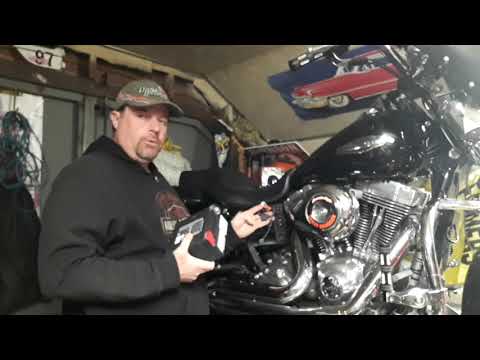
Dyna
To replace the battery on a Harley Davidson Dyna, loosen the bolts securing the battery cover located on the right side of the bike, just beneath the…
|
How to Replace the Key Fob Battery on a BMW K1600?
To replace the battery of the BMW K1600 key fob, press the button located on the top of the device. This will lift the key blade, allowing you to leverage it within its housing. Remove the panel on the back of the device to access the underlying battery, which can then be extracted and replaced with a new spare part. This way, you can ensure everything is functioning correctly. by ScegliAuto More videos
|
|
For advertising on this site Write to info@scegliauto.com
ScegliAuto is not responsible for any inaccuracy of the data in the lists. To report any inaccuracy or your business (if you own the business in question), please write to info@scegliauto.com
Number of seconds to generate the page: 0.008
(c) ScegliAuto 2026 - info@scegliauto.com - Privacy policy VAT number: IT01247470535 |
