
|
Do it yourself
| |||
| ||||


How to Reset the Oil Light on the Honda Forza 350
Model: Honda Forza
Video tutorial
In this mini guide for your Honda Forza 350, discover how to manually reset the oil light on the dashboard. First, position the motorcycle on its stand and ensure it is completely off. Then, press and hold the "Info A" and "Info B" buttons located on the left switchgear and turn on the ignition. As soon as the display starts flashing, press the "Info B" button twice in quick succession and turn off the ignition. The oil light reset is now complete, and it will not illuminate again on the next start.
Updated on 15 August 2026 by ScegliAuto
Related tutorials
Forza
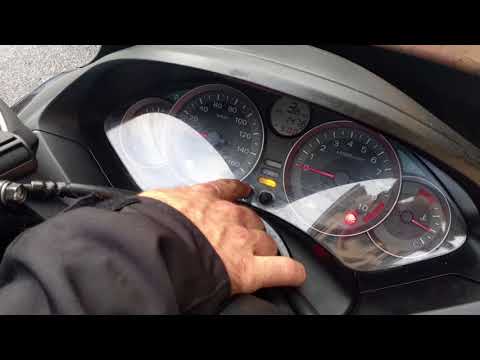
Thanks to this brief tutorial today, you will see the entire procedure necessary to reset the oil change light on your Honda Forza 350. First, press …
Forza
To reset the oil light on the Honda Forza 300, follow this procedure: first, turn off the engine. Once the engine is off, press and hold the right bu…

Forza
To reset the Oil Change light on a Honda Forza, keep the instrument panel off. While it is off, press and hold both the INFO A and INFO B buttons sim…
ScegliAuto offers an extensive international collection of automotive tutorials available in 12 languages. Each guide combines instructional videos with original explanations written by experienced human editors, along with information about the car models covered.
|
How to Reset the Oil Light on the Honda Forza 350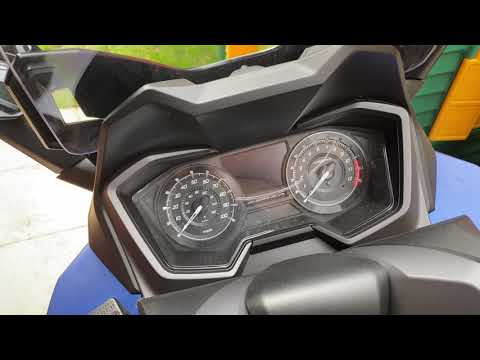
In this mini guide for your Honda Forza 350, discover how to manually reset the oil light on the dashboard. First, position the motorcycle on its stand and ensure it is completely off. Then, press and hold the "Info A" and "Info B" buttons located on the left switchgear and turn on the ignition. As soon as the display starts flashing, press the "Info B" button twice in quick succession and turn off the ignition. The oil light reset is now complete, and it will not illuminate again on the next start. by ScegliAuto More videos
|
|
For advertising on this site Write to info@scegliauto.com
ScegliAuto is not responsible for any inaccuracy of the data in the lists. To report any inaccuracy or your business (if you own the business in question), please write to info@scegliauto.com
Number of seconds to generate the page: 0.004
(c) ScegliAuto 2026 - info@scegliauto.com - Privacy policy - About us VAT number: IT01247470535 |
