
|
Do it yourself
| |||
| ||||


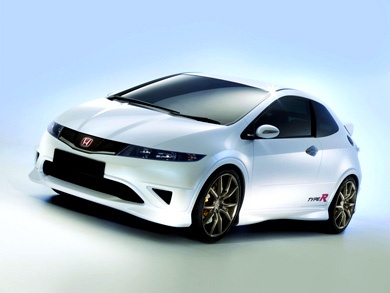
How to Reset the Service Light on Honda Civic?
Model: Honda Civic
MK 8
- Years 2006-2012
From the display of the Honda Civic, the Service light can be cleared by turning on the instrument cluster of the vehicle, turning the key in the corresponding ignition lock: once the instrument cluster is activated, repeatedly press the SELECT button located on the left side of the dashboard until the oil life message appears. When it appears, press and hold the SELECT button for a few seconds to reset the light; at the end of the procedure, the instrument cluster can be turned off.
Posted on 2 March 2026 by ScegliAuto
Video tutorial
Related tutorials
Honda Civic
(2016-2021 /
MK 10)
If you own a Honda Civic and are wondering what steps to take to manually reset the service light, then all you have to do is read the following guid…

Honda Civic
(2012-2015 /
MK 9)
This brief guide will show us how to reset the maintenance service light for the regular oil change of the Honda Civic. First, we get into the car an…

Honda Civic
(2001-2006 /
MK 7)
In this tutorial we can see how to reset the service in the Honda Civic, an extremely simple and quick operation, to be carried out only after comple…
Other guides you may be interested in
|
Resetting the Tyre Pressure Warning Light on the Hyundai I20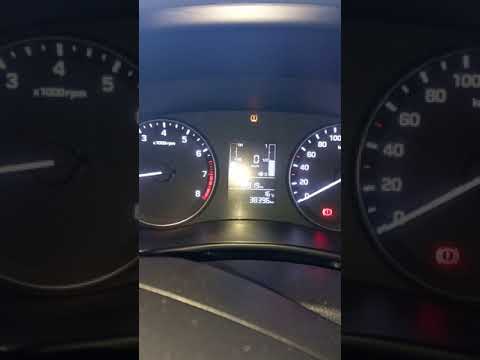
Today, let's look at the instructions to reset the tyre pressure warning light on the Hyundai I20 in simple and quick steps. The vehicle is equipped with an automatic TPMS that constantly monitors tyre pressures; when an anomaly occurs, the system triggers an alarm, displaying the relevant warning light on the dashboard. So, restore the tyre pressures, which will automatically reset the TPMS light on the dashboard; finally, turn off the ignition and start the engine! by ScegliAuto More videos
|
|
For advertising on this site Write to info@scegliauto.com
ScegliAuto is not responsible for any inaccuracy of the data in the lists. To report any inaccuracy or your business (if you own the business in question), please write to info@scegliauto.com
Number of seconds to generate the page: 0.389
(c) ScegliAuto 2026 - info@scegliauto.com - Privacy policy VAT number: IT01247470535 |
