
|
Do it yourself
| |||
| ||||


Installation of the Engine Cover
Model: Honda CR-V
MK 3
- Years 2007-2012
This brief video illustrates the procedure to install the engine cover on a Honda CR-V. First, mount the two brackets for the cover and tighten them with a socket spanner. Now install the stud bolt and tighten it well. Next, take the cover and place it over the engine, ensuring that its holes align with the two brackets. Now position and screw in the cover bolts; tighten them with a socket spanner. In the final images, you can see the result of the installation of the new cover compared to when it was not present.
Updated on 5 February 2026 by ScegliAuto
Video tutorial
Related tutorials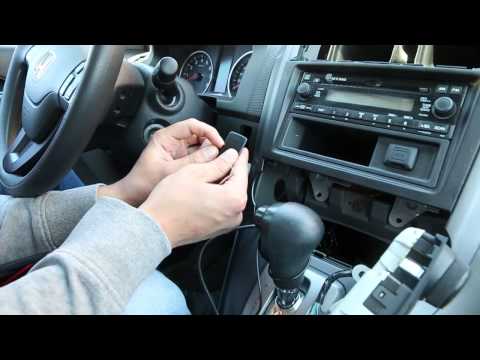
Honda CR-V
(2007-2012 /
MK 3)
Installing a Bluetooth device adapter is straightforward and does not require special skills or tools. You must first remove the original radio to co…
Honda CR-V
(2007-2012 /
MK 3)
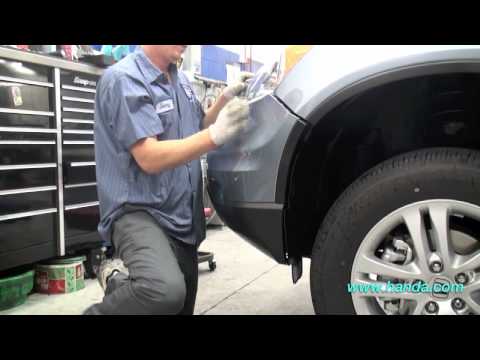
The installation is quite complex and requires at least two hours of work. Remove the engine cover by taking out the seven clips. Remove the screws u…
Honda CR-V
(2002-2007 /
MK 2)
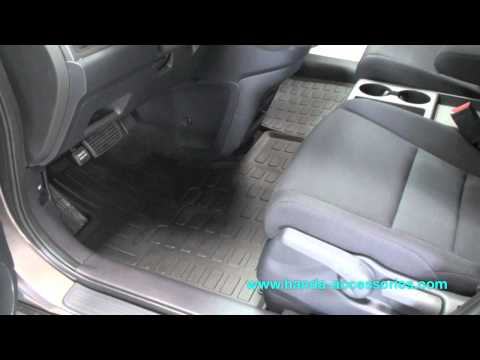
The operation described in the following guide takes about 6 minutes and is of easy difficulty. Installing car mats protects the floor of your car fr…
Other guides you may be interested in
|
How to open the fuel tank door in the Hyundai I20?
In this tutorial we can see how to open the fuel tank door in the Hyundai I20, a very simple operation similar to the typical procedure of many vehicles. First of all, let's go inside the cabin, it is not necessary to insert the key or unlock all the locks, then we locate and operate the lever located in the lower left area of the cabin, right next to the driver's seat. Once we have done this, we exit the vehicle, open the door completely and unscrew the fuel tank cap. To close the door, simply press it gently until you hear a click. by ScegliAuto More videos
|

|
For advertising on this site Write to info@scegliauto.com
ScegliAuto is not responsible for any inaccuracy of the data in the lists. To report any inaccuracy or your business (if you own the business in question), please write to info@scegliauto.com
Number of seconds to generate the page: 0.162
(c) ScegliAuto 2026 - info@scegliauto.com - Privacy policy VAT number: IT01247470535 |
