
|
Do it yourself
| |||
| ||||


Installation of Bluetooth Device Adapter
Model: Honda CR-V
MK 3
- Years 2007-2012
Installing a Bluetooth device adapter is straightforward and does not require special skills or tools. You must first remove the original radio to connect the adapter: simply unclip the air vents and climate control knobs to access the radio mounting screws. Next, position the microphone and button. It is recommended to place the microphone near the A-pillar of the front windscreen, routing the cable under the seal and then through the lower part of the dashboard. The button can be placed on the dashboard, near the ignition switch, where there is a cap through which the cable can pass. Once the installation and connections are complete, configure and test the system before reassembling everything.
Updated on 10 February 2026 by ScegliAuto
Video tutorial
Related tutorials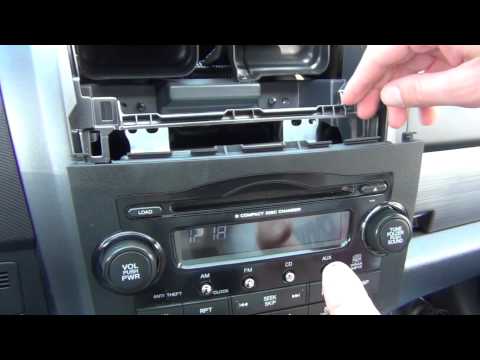
Honda CR-V
(2007-2012 /
MK 3)
Installing an adapter for an Aux input in the factory car radio requires first removing the radio itself. Using a plastic lever, detach the climate c…
Honda CR-V
(2012-2017 /
MK 4)
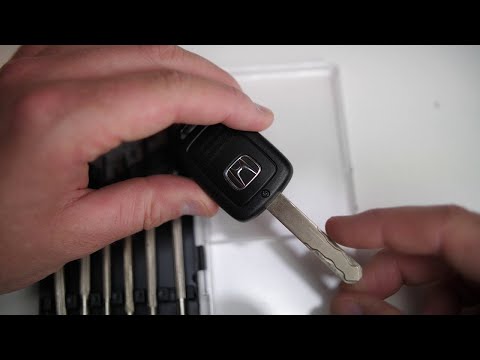
To replace the remote battery on a Honda CR-V, loosen the small screw located at the top rear of the device, just below the key. Once this screw is r…
Honda CR-V
(2012-2017 /
MK 4)
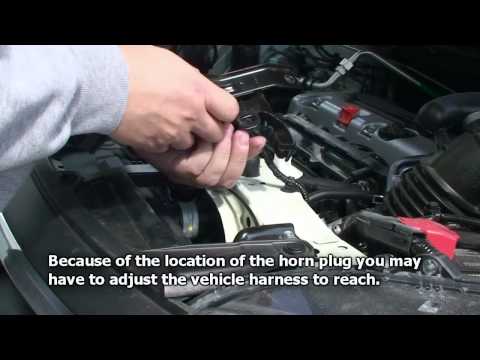
The acoustic warning device is crucial for road safety; in case of failure, it must be replaced immediately. The acoustic warning device is located b…
Other guides you may be interested in
|
How to Open a Stuck Boot on the Peugeot 407?
On the Peugeot 407, the boot may become stuck, possibly due to a problem with the control button or the lock actuator. In such cases, you can perform an emergency opening by following the simple procedure shown in this tutorial. First, open the rear doors, then lower the seat back by operating the release lever. Next, go inside the boot, locate the lock, and manually operate it using a flathead screwdriver. The boot will then be free to open. by ScegliAuto More videos
|

|
For advertising on this site Write to info@scegliauto.com
ScegliAuto is not responsible for any inaccuracy of the data in the lists. To report any inaccuracy or your business (if you own the business in question), please write to info@scegliauto.com
Number of seconds to generate the page: 0.343
(c) ScegliAuto 2026 - info@scegliauto.com - Privacy policy VAT number: IT01247470535 |
