
|
Do it yourself
| |||
| ||||


How do you reset the service light on the Hyundai I20?
Model: Hyundai I20
IB, MK 2, GB
- Years:
2014, 2015, 2016, 2017, 2018, 2019, 2020, 2021
Video tutorial
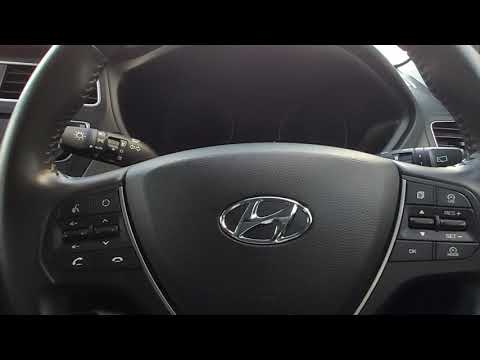
Let's learn in this video how to proceed, independently and without the use of electronic equipment or qualified personnel, to reset the Service light in the Hyundai I20. This yellow warning light, shaped like a wrench, reminds us of the scheduled maintenance and which interventions to perform based on the mileage reached, such as changing the engine oil, pollen filter, etc. First, turn on the instrument panel, then use the Trip button on the right side of the steering wheel to select the Service option in the Settings Menu, and finally hold down the Set button for a few seconds until the light turns off.
Posted on 26 December 2024 by ScegliAuto
Related tutorials
Hyundai I20
(2020-2026 /
MK 3, BC3)
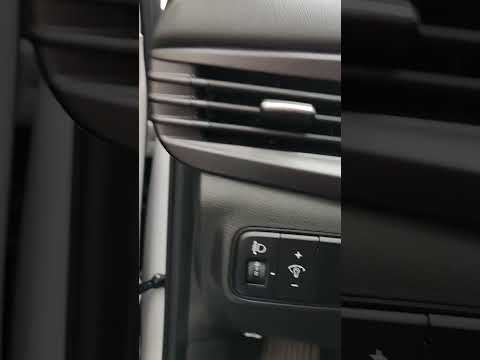
To reset the service light on a 2022 Hyundai i20, turn on the ignition without starting the engine. Use the controls on the steering wheel to access …
Hyundai I20
(2014-2021 /
IB, MK 2, GB)
These brief instructions will show you how to reset the tyre pressure monitoring system (TPMS) light on the Hyundai i20. Before performing the reset,…
Hyundai I20
(2014-2021 /
IB, MK 2, GB)
To reset the service light on a Hyundai i20, insert the key into the ignition and turn it to the on position. Once the ignition is on, navigate throu…
Other guides you may be interested in
|
How to Set the Clock on a Fiat Scudo
Setting the time on a Fiat Scudo is a simple and quick operation. First, turn on the vehicle's onboard computer and then press the SET button located on the dashboard. The settings menu will appear on the display; press the "+" button to select the "TIME" option using the "SET" button. Once in the clock menu, you can choose the format and adjust the hours and minutes by pressing the "+", "-" and "SET" buttons. When finished, return to the main menu and then turn off the ignition to complete the reset. by ScegliAuto More videos
|
|
For advertising on this site Write to info@scegliauto.com
ScegliAuto is not responsible for any inaccuracy of the data in the lists. To report any inaccuracy or your business (if you own the business in question), please write to info@scegliauto.com
Number of seconds to generate the page: 0.426
(c) ScegliAuto 2026 - info@scegliauto.com - Privacy policy VAT number: IT01247470535 |
