
|
Do it yourself
| |||
| ||||


How to reset the service in the Hyundai I20?
Model: Hyundai I20
BC3, MK 3
- Years 2020-2026
Resetting the service in the Hyundai I20, as we can see in this tutorial, is an extremely simple and fast operation. Before proceeding, we must have completed all the scheduled maintenance work. Let's start by going inside the cabin, then insert the key and turn on the instrument panel. Next, scroll through the various information on the display using the "TRIP" button on the steering wheel, reach the service interval and reset it by holding down the "RESET" button. To complete the procedure, simply restart the vehicle.
Posted on 26 September 2025 by ScegliAuto
Video tutorial
Related tutorials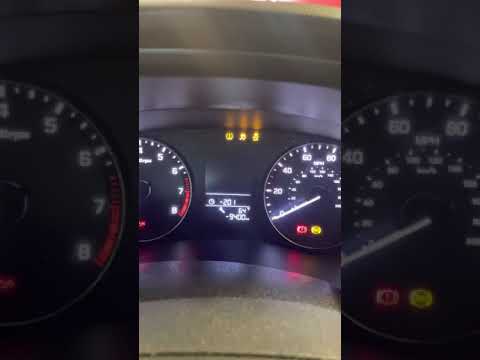
Hyundai I20
(2014-2021 /
GB, IB, MK 2)
To reset the service indicator on the Hyundai i20, follow this procedure: turn on the ignition, if the service message does not appear automatically,…

Hyundai I20
(2008-2014 /
MK 1, PB)
Using only the standard buttons on the 2012 Hyundai i20, you can turn off the service light without needing external diagnostic tools. This warning r…
Hyundai I20
(2020-2026 /
BC3, MK 3)
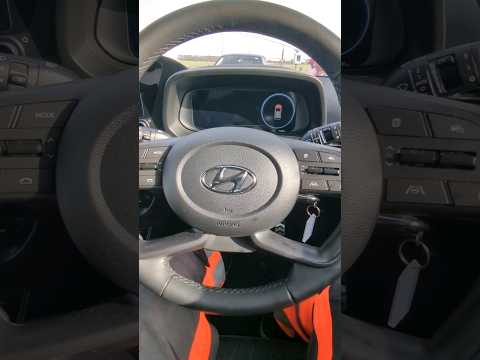
In this guide dedicated to the new Hyundai i20, you will discover the steps you need to take to independently reset the service light on the instrume…
Other guides you may be interested in
|
How to Connect the Cables to the Battery of the Citroen Xsara Picasso?
In this tutorial, you will see how to connect the cables to the battery of the Citroen Xsara Picasso, useful if you need to recharge it or perform an emergency start. First, ensure the key is not inserted, then open the bonnet and move to the front of the left headlamp. Next, locate the bolt just behind the filter box and connect the positive terminal clamp to it. Now you can connect the negative terminal to any point on the chassis, such as the indicated point. Once the operation is complete, ensure you disconnect the negative first and then the positive. by ScegliAuto More videos
|

|
For advertising on this site Write to info@scegliauto.com
ScegliAuto is not responsible for any inaccuracy of the data in the lists. To report any inaccuracy or your business (if you own the business in question), please write to info@scegliauto.com
Number of seconds to generate the page: 0.380
(c) ScegliAuto 2026 - info@scegliauto.com - Privacy policy VAT number: IT01247470535 |
