
|
Do it yourself
| |||
| ||||


How to Reset the TPMS Light on the 2024 Hyundai Elantra
Model: Hyundai Elantra
CN7, MK 7
- Years:
2021, 2022, 2023, 2024, 2025, 2026
Video tutorial
This guide explains how to reset the tyre pressure monitoring system (TPMS) light on a 2024 Hyundai Elantra using the GEN5 diagnostic computer module. To perform this procedure, connect the computer to the vehicle's diagnostic port, also known as the OBD port. Turn on the vehicle's instrument cluster and select the model and year of the vehicle from the computer. Through a computerised diagnosis, the TPMS menu will appear on the onboard computer display and the diagnostic computer. Press the reset buttons and wait for 20 minutes. Once completed, the light will be reset and the new tyre pressures will be stored.
Posted on 2 March 2026 by ScegliAuto
Related tutorials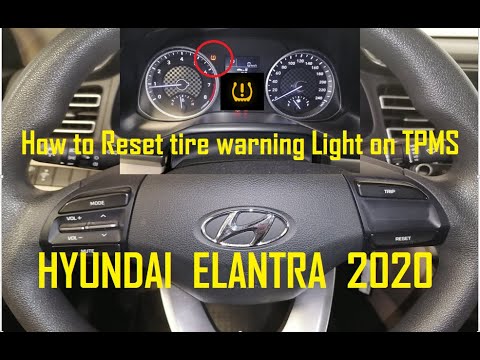
Hyundai Elantra
(2015-2020 /
MK 6)
This guide shows how to reset the tyre pressure monitoring system (TPMS) warning light on a sixth-generation Hyundai Elantra. Before starting this pr…

Hyundai Elantra
(2015-2020 /
MK 6)
To reset the TPMS tire pressure warning light on your 2018 Hyundai Elantra, you do not need any tools. First, park the car on a flat road and turn it…

Hyundai Elantra
(2015-2020 /
MK 6)
To reset the light on the 2020 Hyundai Elantra, first check the tyre pressure. Using a pressure gauge, check the current pressure and inflate the tyr…
Other guides you may be interested in
|
How to Change the Time on the Peugeot 208
Today's guide will show you how to set the clock on the Peugeot 208's onboard computer, following the instructions below. First, get in the car and turn on the instrument panel; then press and hold the settings button on the panel for a few seconds until the time starts to flash, as shown in the video. At this point, press the left button to correctly set the time, adjusting the hour first and then the minutes; exit the onboard computer menu to save all the changes made! by ScegliAuto More videos
|
|
For advertising on this site Write to info@scegliauto.com
ScegliAuto is not responsible for any inaccuracy of the data in the lists. To report any inaccuracy or your business (if you own the business in question), please write to info@scegliauto.com
Number of seconds to generate the page: 0.033
(c) ScegliAuto 2026 - info@scegliauto.com - Privacy policy VAT number: IT01247470535 |
