
|
Do it yourself
| |||
| ||||


Where is the OBD2 Port on the Hyundai Santa Fe?
Model: Hyundai Santa Fe
- Years:
2000, 2001, 2002, 2003, 2004, 2005, 2006
Video tutorial
If you own a first-generation Hyundai Santa Fe and are wondering where the OBD2 port is located for connecting to the ECU, follow the steps described in this guide. First, open the driver's side door and enter the vehicle, then locate the plastic cover found in the lower left area of the dashboard and remove it with your hands. Once the protective cover is removed, you have free access to the fuses of your Hyundai Santa Fe.
Posted on 19 October 2026 by ScegliAuto
Related tutorials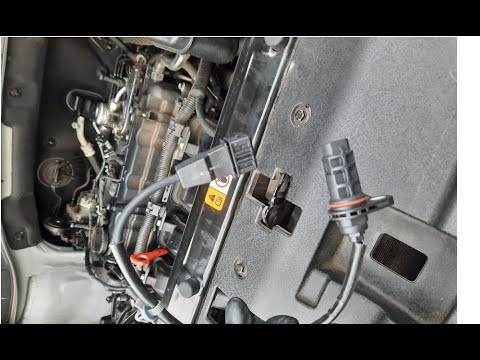
Hyundai Santa Fe
(2012-2018 /
MK 3)
This video shows where the crankshaft RPM sensor is located in the Hyundai Santa Fe and how to proceed if you need to replace it. As shown, the senso…
Hyundai Santa Fe
(2012-2018 /
MK 3)
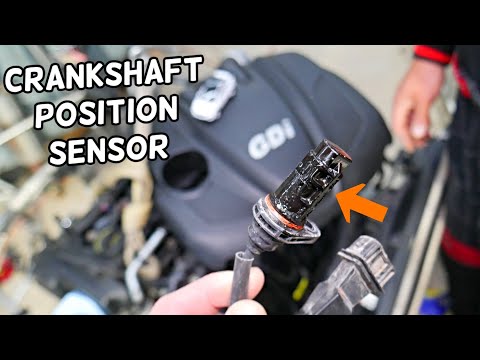
In this video, see where the crankshaft position sensor is located on a Hyundai Santa Fe, useful if you need to replace it. As shown, it is located a…

Hyundai Santa Fe
(2012-2018 /
MK 3)
In the following guide, we will explain how you can easily locate the box containing all the fuses of your Hyundai Santa Fe (2017). First, you need t…
Other guides you may be interested in |
How to Reset the Tyre Warning Light on the Suzuki Swift
If the orange tyre warning light on the instrument cluster of your latest Suzuki Swift remains illuminated despite no loss of pressure, don't worry because you can easily reset it by following this procedure. First, get into the driver's seat and start the ignition, then press and hold the button located below the speedometer and release it as soon as the menu screen appears on the display. At this point, select "TPMS" and then press "TPMS Mode". Finally, select the "Load Mode" option and proceed with the manual reset of the warning light. by ScegliAuto More videos
|
|
For advertising on this site Write to info@scegliauto.com
ScegliAuto is not responsible for any inaccuracy of the data in the lists. To report any inaccuracy or your business (if you own the business in question), please write to info@scegliauto.com
Number of seconds to generate the page: 0.031
(c) ScegliAuto 2026 - info@scegliauto.com - Privacy policy VAT number: IT01247470535 |
