
|
Do it yourself
| |||
| ||||


How to Replace the Thermostat on a Hyundai i10
Model: Hyundai I10
PA, MK 1
- Years 2007-2013
Before starting, open the front bonnet of your Hyundai i10 and remove the battery for safety. Begin by dismantling and removing the entire air filter assembly, including the associated hoses. Next, disconnect the throttle cable and the relevant electrical connectors. At this point, disconnect the hoses located beneath the throttle assembly. Once this step is complete, remove the thermostat cover by unscrewing the securing bolts, then extract the thermostat itself to finish the disassembly. To install the new thermostat and reassemble everything, simply reverse these steps, and the replacement will be complete.
Updated on 3 April 2026 by ScegliAuto
Video tutorial
Related tutorials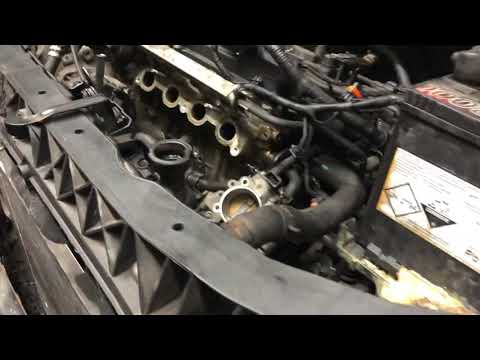
Hyundai I10
(2007-2013 /
PA, MK 1)
In this guide, we will see the main instructions for removing and replacing the thermostat on a Hyundai I10. First, open the bonnet and start by remo…

Hyundai I10
(2013-2020 /
IA, MK 2)
The Hyundai i10 in the video does not heat the cabin air, even though the engine reaches very high temperatures. The diagnosis is that the thermostat…
Hyundai I10
(2007-2013 /
PA, MK 1)
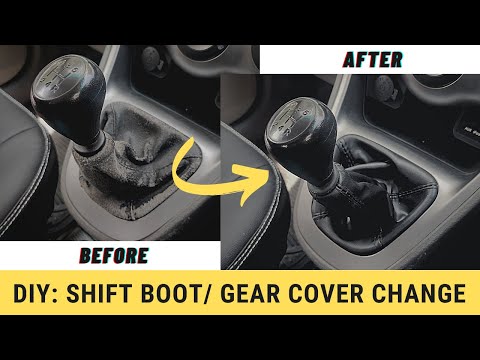
Before you can start, sit in the driver’s seat of your Hyundai I10. Begin by firmly grasping the gear knob with your hand. Then, unscrew the gear kno…
Other guides you may be interested in
|
How to reset the tyre pressure warning light on a Hyundai Tucson
Below are the instructions to reset the tyre pressure warning light (TPMS) on a Hyundai Tucson. First, get into the vehicle and turn on the instrument cluster; then navigate to the vehicle settings until you reach the tyre pressure monitor, identifying the tyre with incorrect pressure. At this point, restore all tyre pressures according to the specifications indicated on the label; this will reset the TPMS and the warning light will be cleared from the instrument cluster! by ScegliAuto More videos
|
For advertising on this site Write to info@scegliauto.com
ScegliAuto is not responsible for any inaccuracy of the data in the lists. To report any inaccuracy or your business (if you own the business in question), please write to info@scegliauto.com
Number of seconds to generate the page: 0.519
(c) ScegliAuto 2026 - info@scegliauto.com - Privacy policy VAT number: IT01247470535 |
