
|
Do it yourself
| |||
| ||||


Air Conditioning Compressor Replacement
Model: Hyundai Sonata
- Years 2004-2014
Before proceeding with the removal of the air conditioning compressor, recover the gas from the system using the appropriate equipment. Once the gas is recovered, start by removing the plastic cover under the engine to access the compressor more easily; then detach the gas inlet and outlet pipes, loosen the tensioner to remove the belt, disconnect the compressor control connector, and remove the mounting bolts to take it out of its housing. Next, fit the new compressor (you can also opt for a refurbished one) by reversing the installation steps. Finally, use the appropriate equipment to flush the system, then vacuum and recharge the gas.
Updated on 10 February 2026 by ScegliAuto
Video tutorial
Related tutorials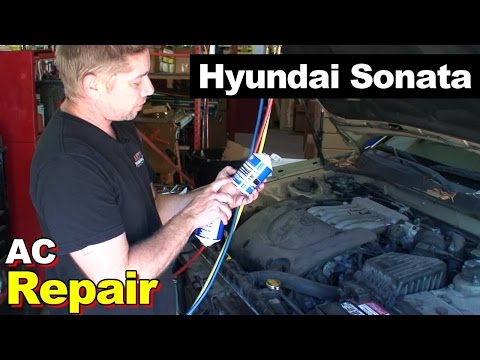
Hyundai Sonata
(2004-2014 /
)
This maintenance for the air conditioning system involves replacing the condenser (or radiator, as it may be called) and the compressor. To replace t…
Hyundai Sonata
(2004-2014 /
)
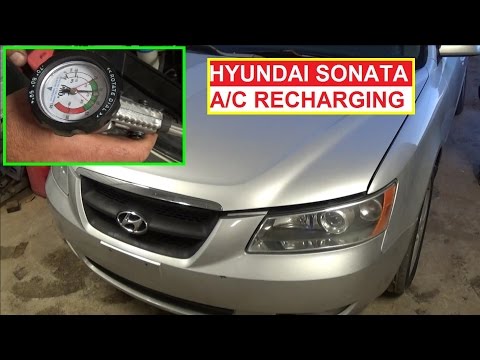
If the air coming from the vents is not sufficiently cool when the air conditioning is activated, there may not be enough gas in the system for the c…
Hyundai Sonata
(2004-2014 /
)
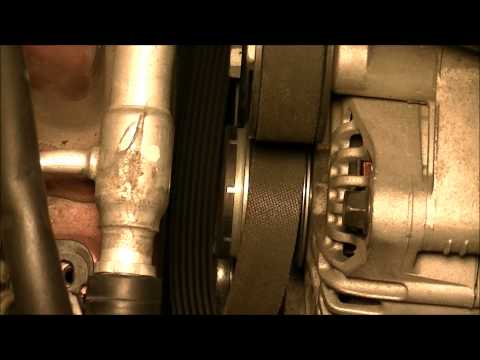
Replacing the auxiliary belt is a relatively simple maintenance task, but it is essential to note the routing of the belt around the pulleys before p…
Other guides you may be interested in
|
How to Remove the Headrests from a Fiat Panda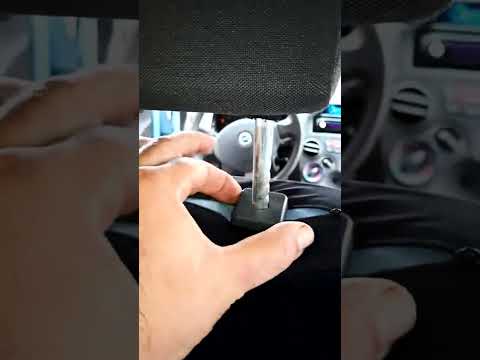
Below are the instructions to remove the headrests, both front and rear, from the Fiat Panda. First, get inside the vehicle and press and hold the side button located at the base of the headrest. Then, while holding the button, pull the headrest upwards to remove it, as shown in the video. At this point, perform the same operation on the other headrests. Now, simply insert them back in while holding the button, and finally adjust the height of all the headrests! by ScegliAuto More videos
|
|
For advertising on this site Write to info@scegliauto.com
ScegliAuto is not responsible for any inaccuracy of the data in the lists. To report any inaccuracy or your business (if you own the business in question), please write to info@scegliauto.com
Number of seconds to generate the page: 0.069
(c) ScegliAuto 2026 - info@scegliauto.com - Privacy policy VAT number: IT01247470535 |
