
|
Do it yourself
| |||
| ||||


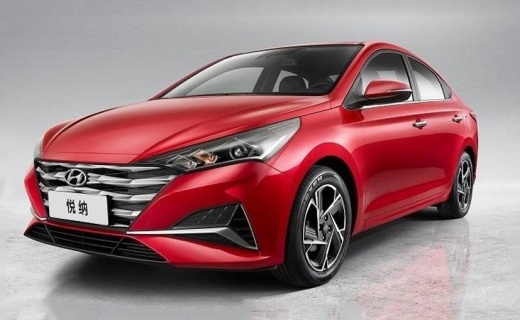
How to Change the Key Fob Battery on a Hyundai Reina Verna
Model: Hyundai Reina Verna
MK 1
- Years:
2017, 2018, 2019, 2020, 2021, 2022, 2023, 2024
Video tutorial
If you notice that the remote key for your vehicle no longer opens the doors or unlocks the central locking, you need to replace the battery inside it. The instructions for this are provided in the description below, along with the various steps necessary for the correct replacement. First, open the key fob and then pry open the back of the key to detach the cover. This will give you access to the battery compartment, which you can remove and replace with a new one (model CR 2032). Be careful to keep the positive terminal facing up, and finally, close the cover.
Updated on 21 July 2026 by ScegliAuto
Related tutorials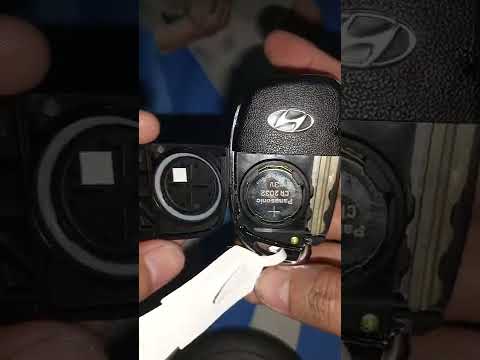
Hyundai Reina Verna
(2017-2024 /
MK 1)
As shown in the tutorial video, replacing the remote battery of the Hyundai Reina is an easy task. To do this, you will need a replacement CR2032 bat…
Hyundai Reina Verna
(2017-2024 /
MK 1)
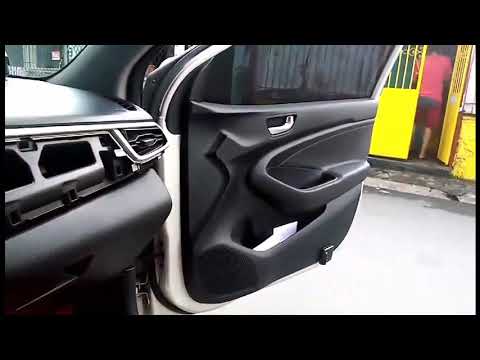
In this guide, let's discover the instructions that will allow you to install a new multimedia system in the Hyundai Reina Verna. First, get in the v…
Hyundai Reina Verna
(2017-2024 /
MK 1)
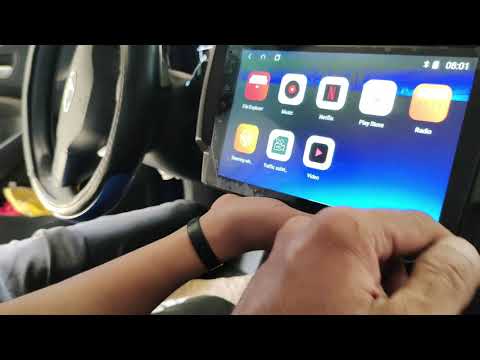
In this brief and simple guide, follow the steps to remove and replace the factory radio with a new Android multimedia system on the Hyundai Reina Ve…
Other guides you may be interested in
|
Where is the Engine Fan Fuse Located in a Citroen C3?
The Citroen C3 contains two fuse boxes. The first fuse box is located inside the cabin behind the passenger side glove compartment. The second fuse box is under the bonnet near the battery. The fuse for the engine fan is located in the second fuse box and is labelled F8, rated at 25 Amperes. To replace the fuse, open the fuse box cover, remove the fuse with pliers, and insert a new fuse of the same amperage. Close the fuse box and the bonnet. by ScegliAuto More videos
|
|
For advertising on this site Write to info@scegliauto.com
ScegliAuto is not responsible for any inaccuracy of the data in the lists. To report any inaccuracy or your business (if you own the business in question), please write to info@scegliauto.com
Number of seconds to generate the page: 0.088
(c) ScegliAuto 2026 - info@scegliauto.com - Privacy policy VAT number: IT01247470535 |
