
|
Do it yourself
| |||
| ||||


How to Connect iPhone 8 to Hyundai Bayon via Bluetooth?
Model: Hyundai Bayon
BC3
- Years 2021-2026
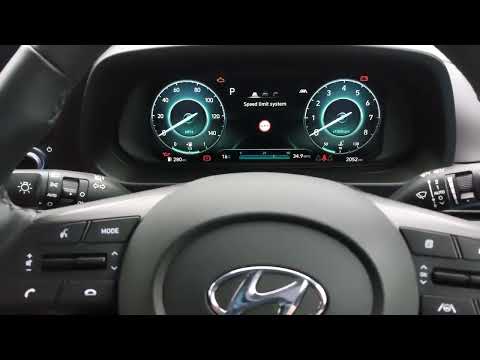
The video provided outlines all the steps to connect your smartphone to the Hyundai Bayon radio via Bluetooth. These steps are: 1) activate Bluetooth on your smartphone, ensuring it is discoverable by other devices; 2) go to the radio display and press 'phone', then 'add new'; 3) navigate through the display tabs to activate Bluetooth on the radio; 4) pair the two devices (radio and smartphone) using the password displayed on the radio and allow synchronisation of favourites.
Updated on 18 August 2026 by ScegliAuto
Video tutorial
Related tutorials
Hyundai Bayon
(2021-2026 /
BC3)
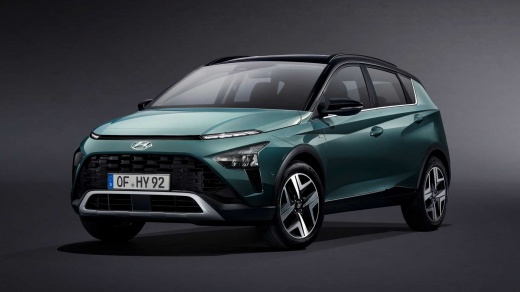
In this new mini guide of ours, we will explain how you can manually reset the tire pressure warning light on your Hyundai Bayon (year 2023). First o…
Hyundai Bayon
(2021-2026 /
BC3)
Resetting the service light on the Hyundai Bayon is a very simple operation that you can do independently, aided by our brief video tutorial that wil…

Hyundai Bayon
(2021-2026 /
BC3)
In this video, we can see where the fuse boxes of the Hyundai Bayon are located and their respective diagrams, useful in case we need to check the fu…
Other guides you may be interested in |
How to Open a Stuck Boot on the Peugeot 407?
On the Peugeot 407, the boot may become stuck, possibly due to a problem with the control button or the lock actuator. In such cases, you can perform an emergency opening by following the simple procedure shown in this tutorial. First, open the rear doors, then lower the seat back by operating the release lever. Next, go inside the boot, locate the lock, and manually operate it using a flathead screwdriver. The boot will then be free to open. by ScegliAuto More videos
|
|
For advertising on this site Write to info@scegliauto.com
ScegliAuto is not responsible for any inaccuracy of the data in the lists. To report any inaccuracy or your business (if you own the business in question), please write to info@scegliauto.com
Number of seconds to generate the page: 0.071
(c) ScegliAuto 2026 - info@scegliauto.com - Privacy policy VAT number: IT01247470535 |
