
|
Do it yourself
| |||
| ||||


How to fill in the analog tachograph disc
Model: IVECO Daily
MK 4
- Years 2006-2020
In this video we see how to fill out the disc for the analog tachograph of an Iveco Daily or any similar commercial vehicle: before inserting it, we must check that it is compatible with the device we have available, through the code found on the back starting with "E" and matching the model of our device. Before inserting it, we will fill it out with our data, the starting location, the vehicle license plate, and the initial kilometers. However, we must also fill out the back, where we will indicate what we have done from midnight on the day we started driving (for example: rest) because the disc must describe the 24 hours and is personal, so if we change vehicles (as long as it is compatible with the tachograph of the vehicle we will be driving). In the case of two drivers, the second disc will be placed in the lower part. Remember to complete the disc on the back, from the end of the working hours until midnight. An unreadable disc incurs a penalty.
Posted on 21 December 2024 by ScegliAuto
Video tutorial
Related tutorials
IVECO Daily
When switching from British Summer Time to Greenwich Mean Time and vice versa, you must change the time setting on the tachograph of the Fiat Daily t…
IVECO Daily
(1999-2006 /
MK 3)
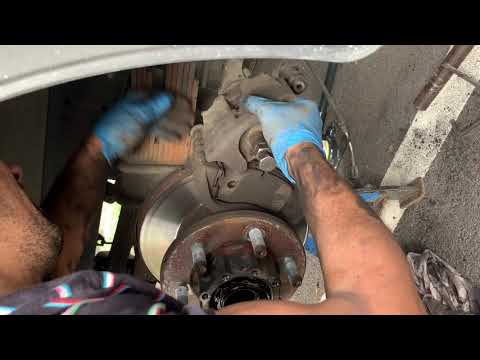
Replacing the disc and pads on an Iveco Daily? Start by removing the rear disc. Lift the rear of the Daily with a jack, remove the wheel (using a soc…
IVECO Daily
(1999-2006 /
MK 3)
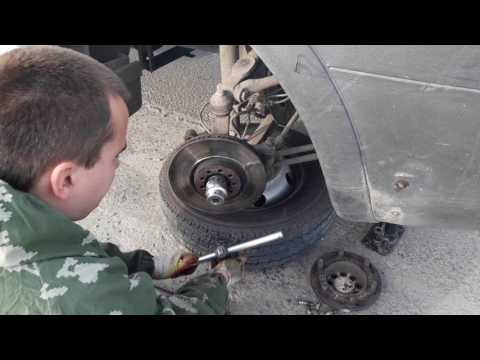
In this video, we will see the main instructions for disassembling the brake discs on an Iveco Daily. First, lift the vehicle and remove the wheel by…
Other guides you may be interested in |
What Does the "Code 60" Message Mean in the Opel Meriva?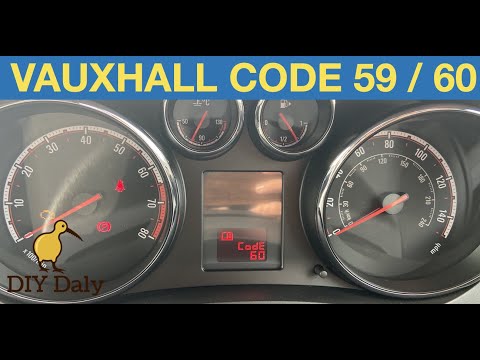
If the "Code 60" message has appeared on the dashboard of your Opel Meriva, it means that the passenger side window is not calibrated correctly. This issue can arise, for example, after disconnecting or replacing the battery, as the control unit for the various devices will lose the stored data. To remove the warning from the dashboard, simply turn on the ignition, fully open the window, and then close it. This procedure is also valid for the driver's window if the "Code 59" message appears. by ScegliAuto More videos
|
|
For advertising on this site Write to info@scegliauto.com
ScegliAuto is not responsible for any inaccuracy of the data in the lists. To report any inaccuracy or your business (if you own the business in question), please write to info@scegliauto.com
Number of seconds to generate the page: 0.549
(c) ScegliAuto 2026 - info@scegliauto.com - Privacy policy VAT number: IT01247470535 |
