
|
Do it yourself
| |||
| ||||


Setting the Time on Iveco Daily
Model: IVECO Daily
MK 4
- Years 2006-2020
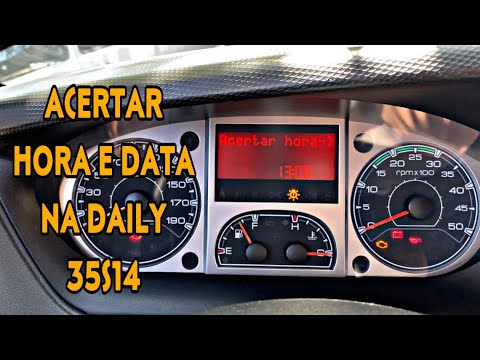
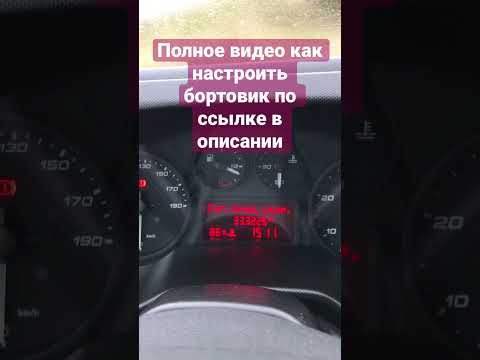
Behind the steering wheel, to your left, there are some buttons. Most of them are for adjusting the headlights, but next to them is a button called "mode". After pressing this button, press the up arrow once, and you should find yourself on the time page. Click "mode" again, and the time will start to flash: at this point, you can increase or decrease the value using the arrows. When you have finished, click "mode" again, and you're done. The same procedure applies for the hours and minutes. As you can see, this is a really simple operation.
Updated on 10 April 2026 by ScegliAuto
Video tutorial
Related tutorials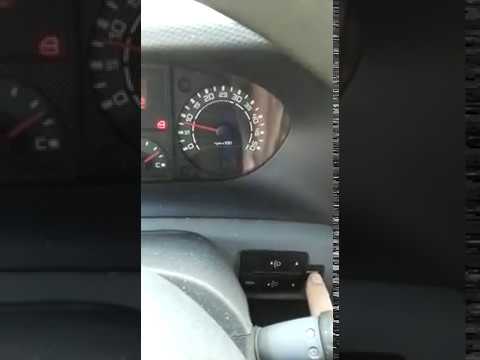
IVECO Daily
(2006-2020 /
MK 4)
Do you want to change the time or date on your Iveco Daily? Follow this guide to set it up correctly. First, turn on the ignition with the key to act…
IVECO Daily
Here’s how to set the date and time on the Iveco Daily. First, press the mode button on the panel to the left of the steering wheel, then use the arr…
IVECO Daily
Below are the main steps to adjust the time on the Iveco Daily. First, get inside the vehicle and turn on the ignition by turning the key to position…
Other guides you may be interested in
|
How to Remove the Airbag from Citroen C3
To remove the airbag from a Citroen C3, follow these steps, which you can also see in the attached video. Check the warning light: before proceeding, ensure that the airbag warning light is off and that the horn functions correctly. Disconnect the battery: disconnect the battery to ensure safety during the operation. Locate the holes behind the steering wheel: find the two holes located behind the steering wheel. Insert a long screwdriver: insert a long screwdriver into the holes and press firmly to unlock the internal clips. Remove the airbag: at this point, you can remove the airbag from the steering wheel and disconnect the two internal connectors. by ScegliAuto More videos
|
|
For advertising on this site Write to info@scegliauto.com
ScegliAuto is not responsible for any inaccuracy of the data in the lists. To report any inaccuracy or your business (if you own the business in question), please write to info@scegliauto.com
Number of seconds to generate the page: 0.970
(c) ScegliAuto 2026 - info@scegliauto.com - Privacy policy VAT number: IT01247470535 |
