
|
Do it yourself
| |||
| ||||


How to Connect Your Smartphone to the Bluetooth Radio in the Iveco Daily?
Model: IVECO Daily
MK 5
- Years:
2014, 2015, 2016, 2017, 2018, 2019, 2020, 2021, 2022, 2023, 2024, 2025
Video tutorial
To connect your smartphone to the Bluetooth radio in the Iveco Daily, press the MENU button located in the centre of the device. Next, select the "Connectivity" option using the circular button on the right side of the radio: then select "Pair a device" while turning on Bluetooth on your smartphone. Once the radio is found on your phone, select it and pair the two devices using the code displayed. This will allow you to utilise all the Bluetooth features through the radio.
Updated on 13 May 2026 by ScegliAuto
Related tutorials
IVECO Daily
(2014-2026 /
MK 5)
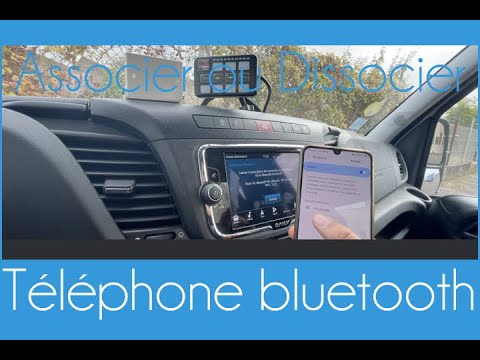
In these brief and simple steps, you will see how to connect your smartphone via Bluetooth to the Iveco Daily multimedia system. First, get into the …
IVECO Daily
(2014-2026 /
MK 5)
Let's see how to pair your mobile phone with the Iveco Daily via Bluetooth to manage calls and listen to music through the van's system. On the centr…
IVECO Daily
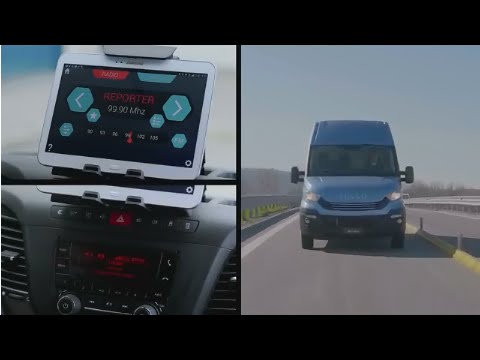
This video explains how the onboard connectivity of the Iveco Daily Euro 6 works. To use all the features integrated into the vehicle, download the D…
Other guides you may be interested in |
How to Open the Hood of the Mercedes GLC?
To open the hood of the Mercedes GLC, go inside the cabin on the driver's side to locate the red lever at the bottom of the dashboard on the left. Once you find this lever, pull it back to unlock the hood latch mechanism. After the mechanism is unlocked, exit the cabin and move the latch corresponding to the mechanism to fully release the hood. At this point, you can lift it and access the engine compartment. by ScegliAuto More videos
|
For advertising on this site Write to info@scegliauto.com
ScegliAuto is not responsible for any inaccuracy of the data in the lists. To report any inaccuracy or your business (if you own the business in question), please write to info@scegliauto.com
Number of seconds to generate the page: 0.009
(c) ScegliAuto 2026 - info@scegliauto.com - Privacy policy VAT number: IT01247470535 |
