
|
Do it yourself
| |||
| ||||


Onboard Connectivity of the Iveco Daily Euro 6
Model: IVECO Daily
Video tutorial
This video explains how the onboard connectivity of the Iveco Daily Euro 6 works. To use all the features integrated into the vehicle, download the Daily Business app and place your smartphone in the new practical tablet holder. The Bluetooth connection will establish automatically, turning the vehicle into a connected professional wall station. Additionally, the system provides real-time suggestions to help the driver optimise driving times, significantly reducing fuel consumption. Through the navigation maps, you receive real-time traffic alerts, routes, and traffic restrictions, helping to find exits based on the vehicle's dimensions. The monitor allows you to keep track of various parameters regarding the vehicle's values and access 24-hour assistance. You can send drivers their route and task schedules directly from the office, which can identify all vehicle data such as identification code, mileage, travel hours, and receive alerts for maintenance plans and vehicle effectiveness management by consulting the dedicated section.
Updated on 4 September 2026 by ScegliAuto
Related tutorials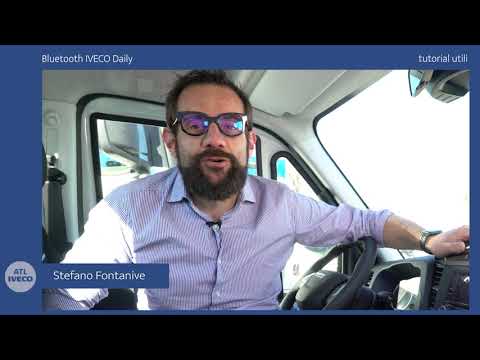
IVECO Daily
(2014-2026 /
MK 5)
To connect your smartphone to the Bluetooth radio in the Iveco Daily, press the MENU button located in the centre of the device. Next, select the "Co…

IVECO Daily
(2006-2020 /
MK 4)
The radio in an Iveco Daily vehicle may experience connectivity issues over time; in such cases, it is necessary to reset the settings. To perform th…

IVECO Daily
(2006-2020 /
MK 4)
If you want to access the OBD2 port located inside your Iveco Daily (2009 model), simply follow the steps described below. First, enter the vehicle a…
Other guides you may be interested in
|
How to Set the Time in an Audi A4?
In this tutorial, you will see how to set the time in an Audi A4, a very simple and quick operation to perform after replacing the battery or when the time changes. First, insert the key and turn on the instrument cluster. Then, press the "SETUP" button located on the center console. Next, press the upper left arrow button, navigate to the "Time" option, and use the central knob to adjust the clock. Finally, set any necessary formats and save by returning to the main screen. by ScegliAuto More videos
|
|
For advertising on this site Write to info@scegliauto.com
ScegliAuto is not responsible for any inaccuracy of the data in the lists. To report any inaccuracy or your business (if you own the business in question), please write to info@scegliauto.com
Number of seconds to generate the page: 0.017
(c) ScegliAuto 2026 - info@scegliauto.com - Privacy policy VAT number: IT01247470535 |
