
|
Do it yourself
| |||
| ||||


How to Reset the Oil Light in an Iveco Daily
Model: IVECO Daily
MK 5
- Years 2014-2026
Video tutorial
Detailed instructions - If you notice a red oil light when you start the vehicle, do not worry as the solution is quite simple and, most importantly, cost-free. Additionally, this operation can be performed without any issues even multiple times in succession. To proceed, first insert the key and turn on the ignition. Then, press and hold the accelerator pedal for about fifteen seconds. A new message will then appear on the display. Release the pedal and turn off the ignition. Finally, start the engine to confirm the reset has been completed.
Updated on 3 June 2026 by ScegliAuto
Related tutorials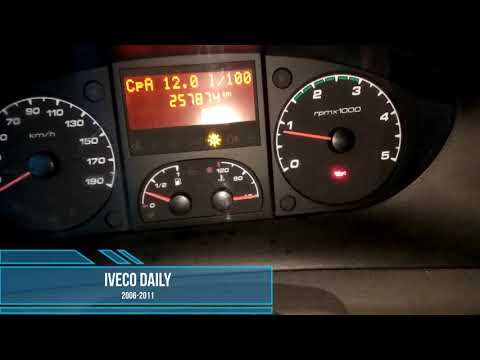
IVECO Daily
To reset the Service light on the Iveco Daily, turn the key to switch on the instrument panel, confirming that the light is on. To reset it, press an…

IVECO Daily
(2014-2026 /
MK 5)
When the engine oil light comes on in the 2023 Iveco Daily, it means that it is necessary to top up the liquid inside the tank and only then reset th…
IVECO Daily
(2006-2020 /
MK 4)
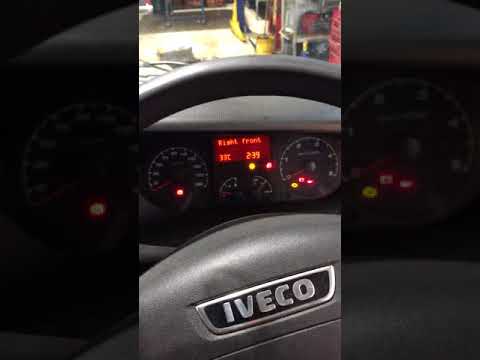
In this tutorial, you will learn how to reset the service light for the oil change on a second series Iveco Daily in a few simple steps. First, get i…
Other guides you may be interested in
|
How to Open the Bonnet of an Iveco Daily?
To open the bonnet of the Iveco Daily, go inside the cabin to locate the lever that unlocks the bonnet latch: this lever is found at the bottom left of the dashboard relative to the steering column and is yellow. Pulling this lever inward will unlock the bonnet latch, allowing you to go outside: by inserting your hand at the top of the grille, you can move the latch hook to the left, thus lifting the bonnet. Once opened, you can close it by pushing it down with sufficient force. by ScegliAuto More videos
|
|
For advertising on this site Write to info@scegliauto.com
ScegliAuto is not responsible for any inaccuracy of the data in the lists. To report any inaccuracy or your business (if you own the business in question), please write to info@scegliauto.com
Number of seconds to generate the page: 0.203
(c) ScegliAuto 2026 - info@scegliauto.com - Privacy policy VAT number: IT01247470535 |
