
|
Do it yourself
| |||
| ||||


How to Change the Time on an Iveco Tachograph
Model: IVECO Iveco Various
Video tutorial
After turning on the vehicle's ignition, press the Ok button to access the tachograph menu. Scroll down using the arrow key until you reach the 'Vehicle Entry' option, then press Ok to confirm. Scroll to 'Local Time' where the non-modifiable UTC time will appear on the left and the flashing local time will be displayed for modification. To correctly change the time, press the down arrow twice, as each press corresponds to 30 minutes. Press the Ok button to confirm, and 'Data Recorded' will appear. Exit the menu using the back arrow.
Updated on 4 July 2026 by ScegliAuto
Related tutorials
IVECO Iveco Various
In this video, we will see how to change the local time on the VDO 4.0 tachograph. This device is installed on commercial vehicles to record driving …

IVECO Iveco Various
Very important, when we talk about heavy vehicles like Iveco in this case, is setting the time on the tachograph, given the role it plays during the …
IVECO Iveco Various
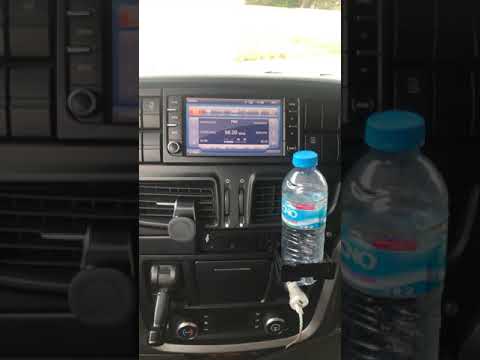
Resetting the radio in an Iveco vehicle is necessary if it shows signs of malfunction, freezes, or presents other types of anomalies. The procedure i…
Other guides you may be interested in |
How to Set the Time in an Audi A4?
In this tutorial, you will see how to set the time in an Audi A4, a very simple and quick operation to perform after replacing the battery or when the time changes. First, insert the key and turn on the instrument cluster. Then, press the "SETUP" button located on the center console. Next, press the upper left arrow button, navigate to the "Time" option, and use the central knob to adjust the clock. Finally, set any necessary formats and save by returning to the main screen. by ScegliAuto More videos
|
|
For advertising on this site Write to info@scegliauto.com
ScegliAuto is not responsible for any inaccuracy of the data in the lists. To report any inaccuracy or your business (if you own the business in question), please write to info@scegliauto.com
Number of seconds to generate the page: 0.085
(c) ScegliAuto 2026 - info@scegliauto.com - Privacy policy VAT number: IT01247470535 |
