
|
Do it yourself
| |||
| ||||


How to change the local time on the tachograph CDO 4.0
Model: IVECO Iveco Various
In this video, we will see how to change the local time on the VDO 4.0 tachograph. This device is installed on commercial vehicles to record driving activity, in order to ensure compliance with European regulations on driving and rest times for drivers. We need to use the "up arrow" button to go to the "main menu" and confirm with "ok". Using the "down arrow" button, we go to the "vehicle entry" option and confirm; we scroll down until we reach "vehicle local time", always confirming: we will see the UTC time of the tachograph, with today's date at the top and the local time below, which can be changed using the buttons, and confirming with "ok".
Posted on 28 September 2025 by ScegliAuto
This video is currently unavailable
Related tutorials
IVECO Iveco Various
After turning on the vehicle's ignition, press the Ok button to access the tachograph menu. Scroll down using the arrow key until you reach the 'Vehi…

IVECO Iveco Various
Very important, when we talk about heavy vehicles like Iveco in this case, is setting the time on the tachograph, given the role it plays during the …
IVECO Iveco Various
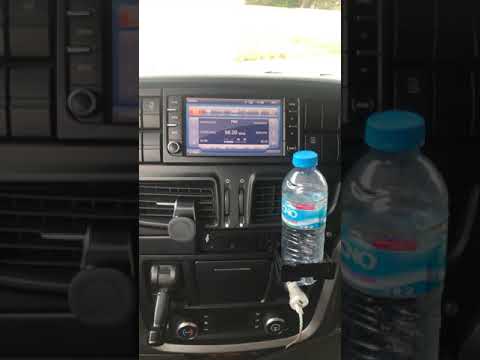
Resetting the radio in an Iveco vehicle is necessary if it shows signs of malfunction, freezes, or presents other types of anomalies. The procedure i…
Other guides you may be interested in
|
How to Check the Oil Level on a Jeep Renegade?
To check the oil level on a Jeep Renegade, you need to open the bonnet to access the components inside the engine bay: on the lower left side of the engine block, you will find the dipstick for checking the level. This should be pulled out and thoroughly cleaned with a cloth: once cleaned, reinsert it back into its tube and pull it out immediately after. This way, you can check that the oil mark is between the minimum and maximum levels; finally, you can place the dipstick back in its tube. by ScegliAuto More videos
|
|
For advertising on this site Write to info@scegliauto.com
ScegliAuto is not responsible for any inaccuracy of the data in the lists. To report any inaccuracy or your business (if you own the business in question), please write to info@scegliauto.com
Number of seconds to generate the page: 0.384
(c) ScegliAuto 2026 - info@scegliauto.com - Privacy policy VAT number: IT01247470535 |
