
|
Do it yourself
| |||
| ||||


How to Reset the Service Light on an Iveco Daily 2019
Model: IVECO Daily
MK 5
- Years:
2014, 2015, 2016, 2017, 2018, 2019, 2020, 2021, 2022, 2023, 2024, 2025
Video tutorial
Before thinking about resetting the service light, it is necessary to carry out the checks required by the manufacturer at that mileage. This is even more crucial for a commercial vehicle to avoid problems for yourself and others. After completing the service, you can reset the service light: turn the ignition key to position 1 and close all doors. Press the selection button until the "trim" option appears highlighted and is not stored. Press the selection button again until the mileage is indicated. Press and hold the call button for 1 second, then press and hold the OK button for 5 seconds. Press the scroll forward button until "assyst plus" is highlighted, then "full service", and confirm by pressing the OK button and the back button repeatedly until you exit the menu. Turn the key to OFF and then restart the engine to check that the procedure was successful.
Updated on 6 July 2026 by ScegliAuto
Related tutorials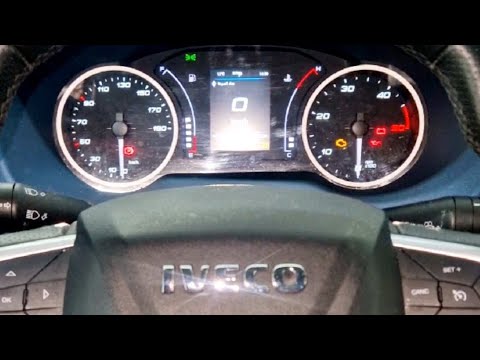
IVECO Daily
(2014-2026 /
MK 5)
To reset the service light on the Iveco Daily, follow these steps: Turn on the Iveco Daily and ensure the service light is displayed on the dashboard…
IVECO Daily
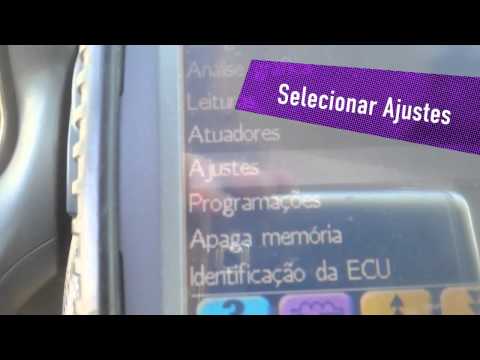
Today, let's learn how to reset the oil change service light on an Iveco Daily by following the instructions below. First, get inside the vehicle and…
IVECO Daily
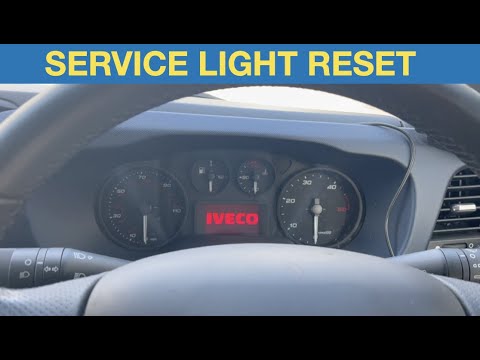
To reset the Service light on the Iveco Daily, press the accelerator pedal while the vehicle is completely off: while holding it down, turn the key i…
ScegliAuto offers an extensive international collection of automotive tutorials available in 12 languages. Each guide combines instructional videos with original explanations written by experienced human editors, along with information about the car models covered.
Other guides you may be interested in
|
How to Adjust the Rear Seats of the BMW X1
In this video, see how the BMW X1's cargo area can be used to transport large loads. To expand this area, the rear seat can be folded down with a 40/20/40 split, each section can be folded separately or all together. The seats can be adjusted independently to provide more space for passengers or cargo: to do this, pull the handle located at the bottom and push or pull as needed. To position the backrest in the desired position, there is a cordura handle on the left side. Inside the trunk, there are buttons that automatically fold the backrests of the rear seats forward, but only after ensuring they are clear. They can be returned to an upright position manually using the cordura handle. by ScegliAuto More videos
|
For advertising on this site Write to info@scegliauto.com
ScegliAuto is not responsible for any inaccuracy of the data in the lists. To report any inaccuracy or your business (if you own the business in question), please write to info@scegliauto.com
Number of seconds to generate the page: 0.111
(c) ScegliAuto 2026 - info@scegliauto.com - Privacy policy - About us VAT number: IT01247470535 |
