
|
Do it yourself
| |||
| ||||


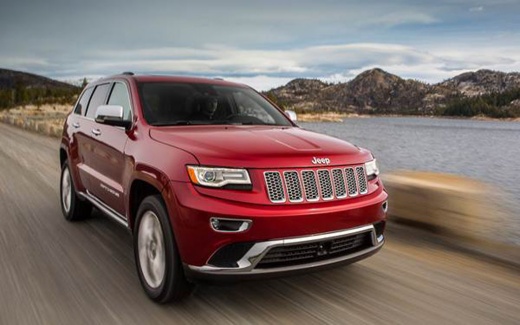
Replacing the Uconnect Multimedia System and Radio in a Jeep Grand Cherokee
Model: Jeep Grand Cherokee
- Years 2010-2021
Video tutorial
Detailed instructions - The instructions in this guide will illustrate the procedure for removing and replacing the Uconnect multimedia system and radio in a Jeep Grand Cherokee. First, get inside the vehicle and start by removing the side plastic trim; then unscrew the screws securing the display and multimedia system, disconnecting the wiring located at the back to remove the unit, as shown in the video. At this point, carry out the repair and installation of the Uconnect multimedia system, following the video tutorial to the end!
Posted on 6 October 2026 by ScegliAuto
Related tutorials
Jeep Grand Cherokee
(2010-2021 /
WK2, MK 4)
This guide will show the reset procedure for the Uconnect radio for the latest generation Jeep models that have it, such as the Grand Cherokee and Wr…

Jeep Grand Cherokee
(2010-2021 /
WK2, MK 4)
To perform a factory reset of the Uconnect multimedia system in a fourth-generation Jeep Grand Cherokee, turn on the ignition and the central display…
Jeep Grand Cherokee
(1998-2004 /
MK 2, WJ)
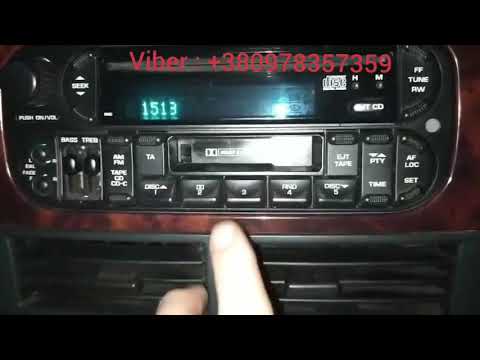
After replacing the battery in your Jeep Grand Cherokee, the radio may reset and lock. To unlock it, you need to enter the unlock code. Start by sitt…
Other guides you may be interested in
|
How to Adjust the Handbrake on a BMW 1 Series?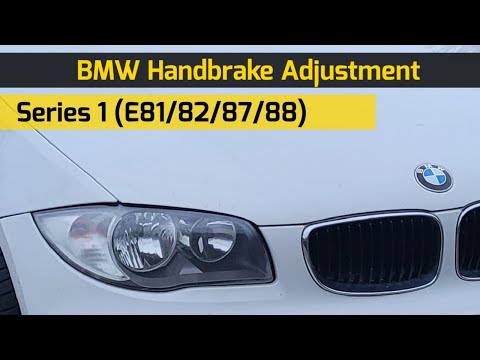
To adjust the handbrake on a BMW 1 Series, use a tool to pry off the leather cover that wraps around the base of the handbrake lever. Once this cover is removed, you will be able to locate the spring that regulates the handbrake tension. At this point, adjust the nut located at the base of the spring: tightening the nut will make the handbrake firmer and reduce the lever's travel. Conversely, loosening the nut will decrease the handbrake's firmness and increase the lever's travel. by ScegliAuto More videos
|
|
For advertising on this site Write to info@scegliauto.com
ScegliAuto is not responsible for any inaccuracy of the data in the lists. To report any inaccuracy or your business (if you own the business in question), please write to info@scegliauto.com
Number of seconds to generate the page: 0.172
(c) ScegliAuto 2026 - info@scegliauto.com - Privacy policy VAT number: IT01247470535 |
