
|
Do it yourself
| |||
| ||||


Jeep Grand Cherokee diesel pump replacement instructions
Model: Jeep Grand Cherokee
WJ, MK 2
- Years 1998-2004
In this video tutorial we will see the instructions on how to replace the diesel pump of a second series Jeep Grand Cherokee. To disassemble it, we are going to remove the boot floor in order to access the lower part (also remove the spare wheel) and access the pump, disconnecting the electrical connector and the diesel pipe; then unscrew the ring nut and remove the float pump. Let's reassemble the new one, inserting it inside the tank and reconnecting the connector and the diesel pipe, tightening the fixing ring nut: follow the video to the end to understand the steps!
Posted on 9 August 2021 by ScegliAuto
Video tutorial
Related tutorials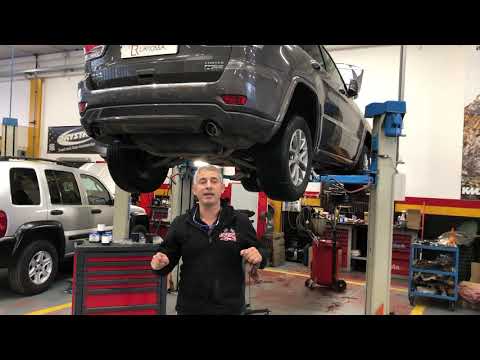
Jeep Grand Cherokee
(2004-2010 /
WK, WH, MK 3)
In this video tutorial we are going to see how to replace the diesel filter on a Jeep Grand Cherokee. The replacement of the diesel filter must be ca…
Jeep Grand Cherokee
(2010-2021 /
MK 4, WK2)
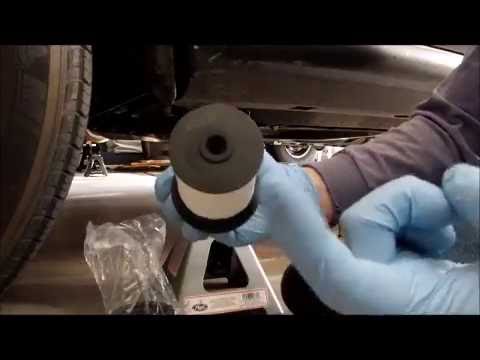
Let's see how to remove and replace the fuel filter on a Jeep Grand Cherokee: lift the car on a column lift or with a suitable jack, locate the fuel …
Jeep Grand Cherokee
(2004-2010 /
WK, WH, MK 3)
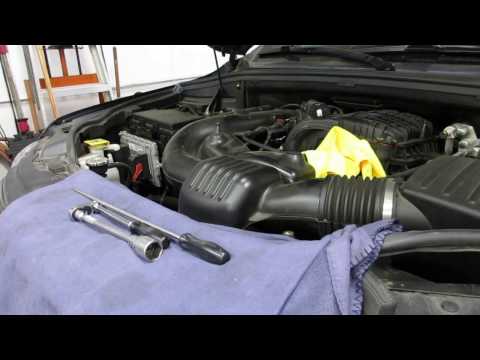
To replace the diesel filter on a Jeep Grand Cherokee, follow these steps. Open the car's door and pull up the engine compartment release lever locat…
Other guides you may be interested in
|
How to Reset the Tyre Pressure Light on BMW 1 Series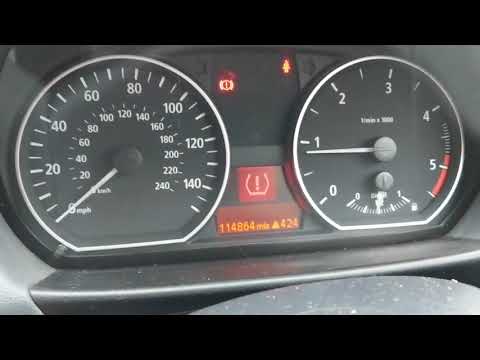
What to do when a warning light appears on the instrument cluster? Here's how to reset the tyre pressure light on a 1 Series. Turn on the instrument cluster, use the buttons on the lever to the left of the steering wheel, then, once in the settings menu, scroll with the up/down button until you find the "Reset Tyres" option, select it using the end of the lever as shown in the video to turn off the tyre pressure warning light and exit the settings menu. Check the instrument cluster by turning it off and back on with the ignition key. Repeat the same procedure for other settings. by ScegliAuto More videos
|
|
For advertising on this site Write to info@scegliauto.com
ScegliAuto is not responsible for any inaccuracy of the data in the lists. To report any inaccuracy or your business (if you own the business in question), please write to info@scegliauto.com
Number of seconds to generate the page: 0.067
(c) ScegliAuto 2026 - info@scegliauto.com - Privacy policy VAT number: IT01247470535 |
