
|
Do it yourself
| |||
| ||||


How do you replace the battery of the Kawasaki Z125 Pro?
Model: Kawasaki Z125
Video tutorial
To replace the battery of the Kawasaki Z125 Pro, you will need to loosen the screws that secure the seat to its housing: these screws will be located on the inside of the rear fender. Once these screws have been removed, you can detach the seat from its base to locate the underlying device: by loosening the mounting screws on the bracket and disconnecting the power cables, you can insert the new replacement part. After it has been secured and connected, you can cover everything with the seat.
Posted on 2 April 2025 by ScegliAuto
Related tutorials
Z125
To replace the exhaust on a Kawasaki Z125, loosen the screws that secure it to its housing located on the right side of the bike, near the rear wheel…

Z125
To change the engine oil of the Kawasaki Z125, loosen the drain plug located at the central lower part of the vehicle, allowing all the used oil to f…

Z125
To replace the battery of the Kawasaki Z125, loosen the screws that secure the seat to its housing: once the screws are loosened, you can remove the …
|
How to Reset the Service Light on a KTM Super Duke 1290 R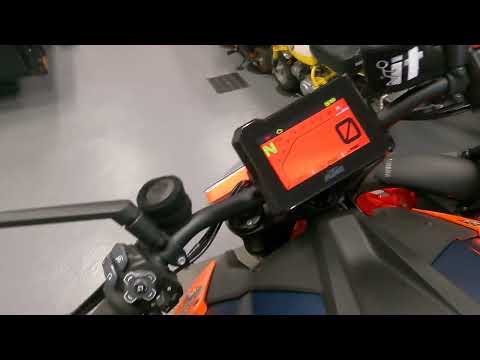
This tutorial shows how to reset the service light on a KTM Super Duke 1290 R, a very simple and quick operation. Before proceeding, ensure that you have completed the required scheduled maintenance. Start by inserting the key and turning on the instrument panel, then navigate to the general menu, move the selector to "Options" and press the two indicated buttons. Adjust the two intervals using the directional arrows, return to the main screen, and restart the panel to verify that the reset was successful. by ScegliAuto More videos
|
|
For advertising on this site Write to info@scegliauto.com
ScegliAuto is not responsible for any inaccuracy of the data in the lists. To report any inaccuracy or your business (if you own the business in question), please write to info@scegliauto.com
Number of seconds to generate the page: 0.008
(c) ScegliAuto 2026 - info@scegliauto.com - Privacy policy VAT number: IT01247470535 |
