
|
Do it yourself
| |||
| ||||


|
Model: Kawasaki Ninja 650
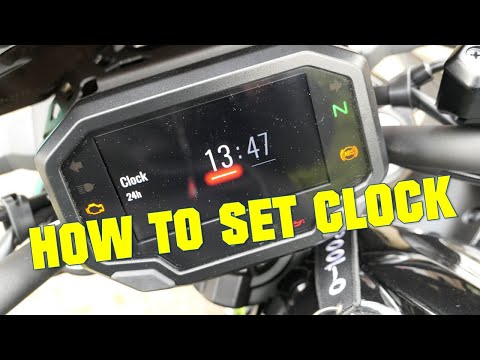
In this tutorial, you will see how to set the time on a Kawasaki Ninja 650, a very simple and quick operation to perform after disconnecting the battery or when switching to standard and daylight saving time. First, insert the key, then turn on the instrument panel and hold down both buttons on the dashboard until the clock starts to flash. Next, press the lower button to set the hour using the upper button, and by pressing the lower button again, switch to the minutes. To save the setting, simply press the lower button one last time and then the upper button.
Posted on 22 March 2026 by ScegliAuto
Video tutorial
Related tutorials
Ninja 650
In this tutorial we can see how to adjust the time on the Kawasaki Ninja 650, an extremely simple and quick operation, to be carried out for example …
Ninja 650
In this tutorial, you will learn how to set the time on the Kawasaki Ninja Z650, a very simple and quick operation to perform, for example, after the…

Ninja 650
.. In this tutorial, you will see how to set the time on a Kawasaki Ninja 650R, a very simple and quick operation, for example, after disconnecting.. …
|
Change the Bulb on a Piaggio Beverly 500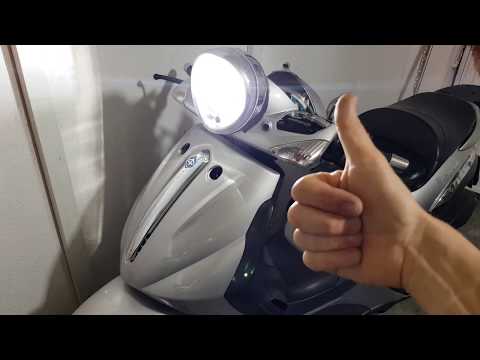
To change the bulb on the Beverly 500, be very careful and ensure you get the correct H4 bulb with the notch, as pointed out by the YouTuber. He made a mistake buying it and had to do a complicated job to adapt it. But you just need to buy the right one - check it carefully before purchasing. We found one that costs £25.99 and it looks just like his. Always remember not to touch the bulb with your hands, or you will damage it. At this point, simply remove the rear cover of the dashboard and reassemble it. Replace the cover and you're done. by ScegliAuto More videos
|
|
For advertising on this site Write to info@scegliauto.com
ScegliAuto is not responsible for any inaccuracy of the data in the lists. To report any inaccuracy or your business (if you own the business in question), please write to info@scegliauto.com
Number of seconds to generate the page: 0.009
(c) ScegliAuto 2026 - info@scegliauto.com - Privacy policy VAT number: IT01247470535 |
