
|
Do it yourself
| |||
| ||||


|
Model: Kawasaki Klr 650
To replace the front brake pads on the Yamaha KLR 650, loosen the bolts securing the caliper to the front wheel disc. Once the brake caliper is free, detach it completely from its mount. This will allow you to remove the pads inside, so you can insert the new ones. After installing the new pads, reposition the caliper onto the corresponding disc. Once installed, check that everything is functioning correctly.
Updated on 7 September 2026 by ScegliAuto
Video tutorial
Related tutorials
Klr 650
To replace the brake pads on the Kawasaki KLR 650, follow the same procedure for both the front and rear wheels. First, unscrew the bolts securing th…
Klr 650
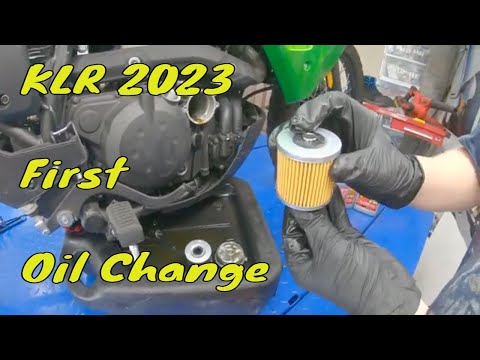
In this tutorial we can see how to replace the motor oil in the Kawasaki KLR 650, an extremely simple and quick operation. First of all, we wait for …
Klr 650
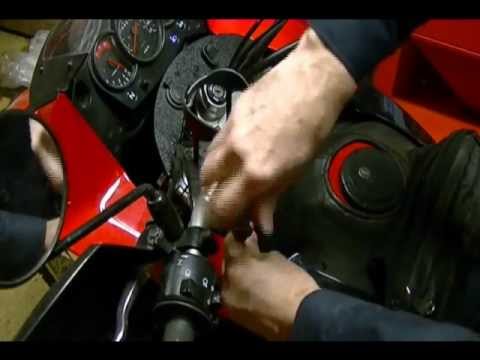
In this tutorial, you will see how to replace the headlight bulbs on the Kawasaki KLR 650, a very simple and quick operation. First, ensure that the …
|
How do you reset the Oil Check light on the Sym VF 185?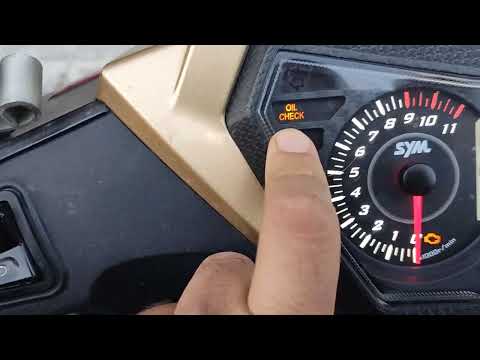
In order to reset the Oil Check light on the Sym VF 185, you need to turn on the instrument panel by turning the key in the ignition switch. Once the panel is on, you can press and hold the button located at the bottom right of the instrument panel for a few seconds. You will need to continue holding the button for a few seconds and then release it before pressing the next button. This will make the Oil Check light disappear from the instrument panel, and you can turn it off again by turning the key in the opposite direction. by ScegliAuto More videos
|
|
For advertising on this site Write to info@scegliauto.com
ScegliAuto is not responsible for any inaccuracy of the data in the lists. To report any inaccuracy or your business (if you own the business in question), please write to info@scegliauto.com
Number of seconds to generate the page: 0.006
(c) ScegliAuto 2026 - info@scegliauto.com - Privacy policy VAT number: IT01247470535 |
