
|
Do it yourself
| |||
| ||||


Kia Carens Years 2006-2013 (MK 2) Kia Carens (2006-2013 / MK 2)
In the Kia Carens, how do you reset the Service indicator? Every time our car signals us the expiration of the Service, through the dashboard warning light in the shape of a wrench, we must consider that soon the car …Read all… Posted on 13 June 2025 by ScegliAuto  Kia Carens (2006-2013 / MK 2)
Where are the fuses located in the Kia Carens? Each fuse of the Kia Carens is contained within one of the appropriate fuse boxes that are installed on the vehicle: in this type of vehicle, two can be found. …Read all… Posted on 8 November 2024 by ScegliAuto  Kia Carens (2006-2013 / MK 2)
Where are the fuses of the Kia Carens located? The fuse boxes installed on the Kia Carens are responsible for containing the fuses that regulate the operation of the devices installed on the vehicle: in …Read all… Posted on 3 October 2024 by ScegliAuto  Kia Carens (2006-2013 / MK 2)
Where are the fuses located in the Kia Carens? Each fuse in the Kia Carens is located inside one of the dedicated fuse boxes present in the vehicle: there are two in this type of vehicle. The first is …Read all… Posted on 8 September 2026 by ScegliAuto 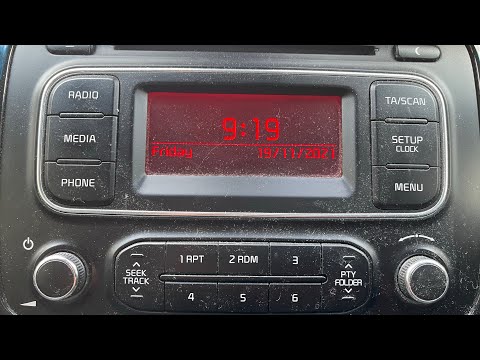 Kia Carens (2006-2013 / MK 2)
How to Set the Time on the Kia Carens To manually change the time displayed on the radio of your Kia Carens, simply follow these steps. The entire operation takes just a few minutes. First, insert …Read all… Posted on 29 July 2026 by ScegliAuto  Kia Carens (2006-2013 / MK 2)
How to Reset the Service Indicator on the Kia Carens After replacing the engine oil and the corresponding filter as specified in the user and maintenance manual, you will need to reset the service indicator that …Read all… Posted on 9 July 2026 by ScegliAuto  Kia Carens (2006-2013 / MK 2)
How to Replace the Dipped Beam Bulb on a Kia Carens In this video tutorial, learn how to replace the dipped beam bulb on a Kia Carens mk2, produced from 2006 to 2013. First, disconnect the headlamp wiring. Next, …Read all… Posted on 17 August 2026 by ScegliAuto 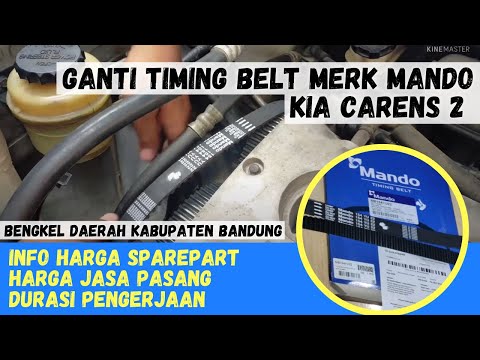 Kia Carens (2006-2013 / MK 2)
Guide to Replacing the Timing Belt of the Kia Carens Below are the main steps that will allow you to remove and replace the timing belt of the Kia Carens. First, open the bonnet of your car and start by removing …Read all… Posted on 16 July 2026 by ScegliAuto  Kia Carens (2006-2013 / MK 2)
Removing Door Panel on Kia Carens Removing the panel from the Kia Carens? Remove the panel if you want to replace it or access parts inside the door. Use a screwdriver to unscrew the securing …Read all… Posted on 15 April 2026 by ScegliAuto  Kia Carens (2006-2013 / MK 2)
How to Replace the Headlamp Bulb on a Kia Carens Is the headlamp bulb blown? Here’s how to change the bulb on a Kia Carens. Open the bonnet by pulling the lever located at the bottom right of the dashboard. …Read all… Posted on 12 April 2026 by ScegliAuto  Kia Carens (2006-2013 / MK 2)
Changing the Cabin Air Filter Changing the pollen filter in your car is very important as it protects against external agents entering the cabin and helps the vehicle's ventilation system …Read all… Posted on 5 March 2026 by ScegliAuto 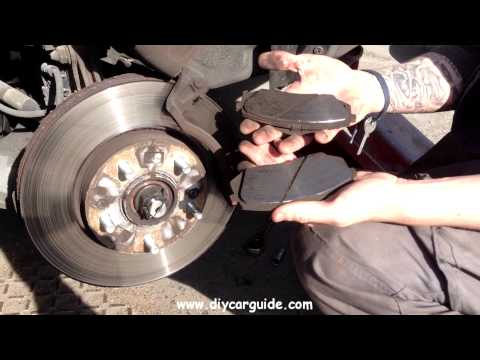 Kia Carens (2006-2013 / MK 2)
Replacing the Front Brake Pads To replace the front brake pads, first open the bonnet. Unscrew and remove the cap from the brake fluid reservoir to allow the fluid to expand when you push …Read all… Posted on 13 February 2026 by ScegliAuto |
See also:
How to Reset the Tyre Pressure Light on the Opel Grandland X
While driving, if you notice the tyre pressure warning light coming on, first check the actual inflation pressure of the tyres and, if necessary, restore the pressures recommended by the manufacturer. After restoring the correct pressures, you need to reset the warning light that has illuminated on the instrument cluster. To do this, locate the reset button on the lower central console. Press this button and hold it down for at least 3 seconds, after which the low pressure indication will turn off. by ScegliAuto More videos
|
|
For advertising on this site Write to info@scegliauto.com
ScegliAuto is not responsible for any inaccuracy of the data in the lists. To report any inaccuracy or your business (if you own the business in question), please write to info@scegliauto.com
Number of seconds to generate the page: 0.009
(c) ScegliAuto 2026 - info@scegliauto.com - Privacy policy VAT number: IT01247470535 |
