
|
Do it yourself
| |||
| ||||


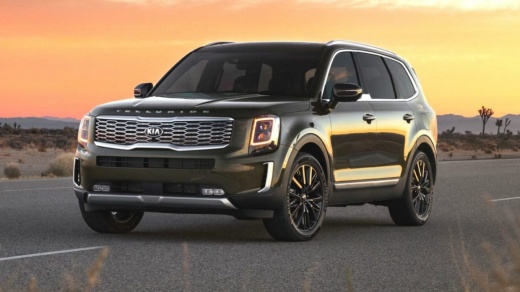
How to Remove the Front and Rear Badges on a Kia Telluride
Model: Kia Telluride
MK 1
- Years:
2019, 2020, 2021, 2022, 2023, 2024, 2025, 2026
Video tutorial
If you don't want the name of your Kia Telluride displayed in large letters on the front and back of the body, you can remove it with good results and no cost: start by heating the letters with a common hairdryer, and gently pull them off, possibly using a fishing line as shown in the video. Use a fine grinder to remove any adhesive residue, then polish the area to restore the shine. Finally, with a bit of elbow grease and a good cloth, recondition the body. It turns out great, even on dark-colored bodies like in the video.
Updated on 24 May 2026 by ScegliAuto
Related tutorials
Kia Telluride
(2019-2026 /
MK 1)
To replace the small battery located inside the key of your Kia Telluride by yourself, you just need to follow the steps described in the following p…
Kia Telluride
(2019-2026 /
MK 1)
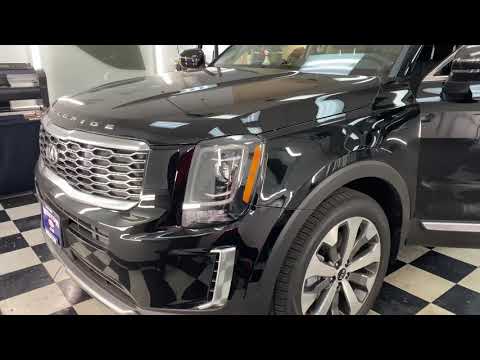
To remove the door panel of the Kia Telluride, loosen the screws securing the panel: these are located in the center of the armrest, just below its p…
Kia Telluride
(2019-2026 /
MK 1)
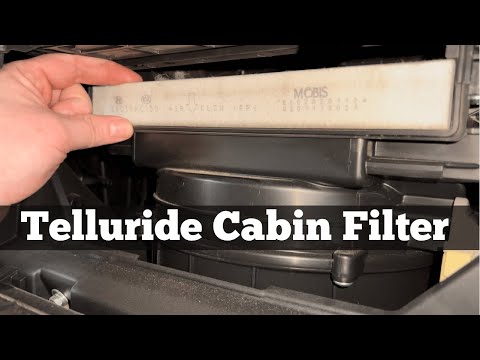
To replace the cabin air filter on the Kia Telluride, open the glove compartment located on the passenger side, releasing the pins on the sides of th…
Other guides you may be interested in |
How to Open the Fuel Filler Flap in the Hyundai i30?
In this tutorial, you will learn how to open the fuel filler flap in the Hyundai i30, a very simple operation that follows the typical procedure of most vehicles. First, unlock the locks using the designated button on the remote, then open the driver's door, locate the release lever on the left side of the seat, and operate it. Next, move to the fuel filler flap, open it completely, unscrew the cap, and refuel as needed. To close the flap, simply press it gently. by ScegliAuto More videos
|
|
For advertising on this site Write to info@scegliauto.com
ScegliAuto is not responsible for any inaccuracy of the data in the lists. To report any inaccuracy or your business (if you own the business in question), please write to info@scegliauto.com
Number of seconds to generate the page: 0.016
(c) ScegliAuto 2026 - info@scegliauto.com - Privacy policy VAT number: IT01247470535 |
