
|
Do it yourself
| |||
| ||||


|
Model: Kymco Downtown 300i
In this video, we see how to read error codes on the Kymco Downtown 300i without needing a scanner. Specifically, this model has been designed with issues that generate errors related to the TPS sensor, MAP sensor, and idle valve. We see the engine light come on. Depending on the number of times it blinks, it signals the error that will then appear on the display; half-second blinks represent single units, while one-second blinks represent tens. The errors 06 - 09 and 49 are then indicated in sequence. To clear the errors, we need to turn the key, count to ten, accelerate for ten seconds, and then decelerate for five. This will make the light disappear.
Posted on 8 August 2025 by ScegliAuto
Video tutorial
Related tutorials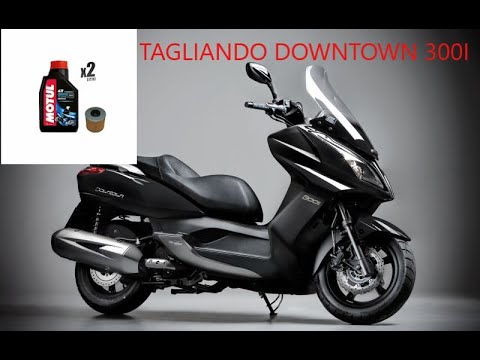
Downtown 300i
First, sit on the seat of your Kymco Downtown 300i. Start by activating the instrument panel by turning the key in the ignition switch. Next, press a…
Downtown 300i
To open the seat of a Kymco 300i Downtown with a flat battery, without removing any fairings, go to the front of the bike, behind the front fairing (…
Downtown 300i
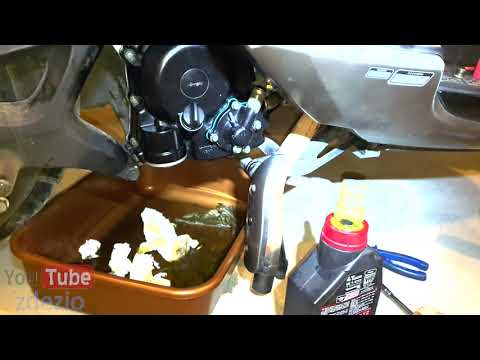
This guide outlines the main steps to remove and replace the coolant pump on the Kymco Downtown 300i scooter. First, place the central stand and star…
|
How to Replace the Air Filter on a Harley Davidson Dyna?
To replace the air filter on a Harley Davidson Dyna, loosen the screws securing the cover located on the right side of the bike, just below the fuel tank. Once the cover is removed, you will locate the filter underneath: it must be removed from its housing by unscrewing the fastening screws and sliding it out from its compartment. After the old filter has been removed, position the new replacement part, securing it in place with the screws and covering everything with the cover. by ScegliAuto More videos
|
|
For advertising on this site Write to info@scegliauto.com
ScegliAuto is not responsible for any inaccuracy of the data in the lists. To report any inaccuracy or your business (if you own the business in question), please write to info@scegliauto.com
Number of seconds to generate the page: 0.005
(c) ScegliAuto 2026 - info@scegliauto.com - Privacy policy VAT number: IT01247470535 |
