
|
Do it yourself
| |||
| ||||


|
Model: Kymco Downtown 300i
The attached video is very useful as it shows the controls needed to achieve the task at hand. It should be noted that we will perform the reset only after ensuring we know what maintenance work needs to be done, such as spark plugs, oil, etc., and then we will think about the reset. Here’s how to do it: turn on the instrument panel, press the first button on the right of the three displayed to access the Menu and the Service section, then press and hold that button and the first one on the left simultaneously, waiting for the reset to complete.
Posted on 19 February 2026 by ScegliAuto
This video is currently unavailable
Related tutorials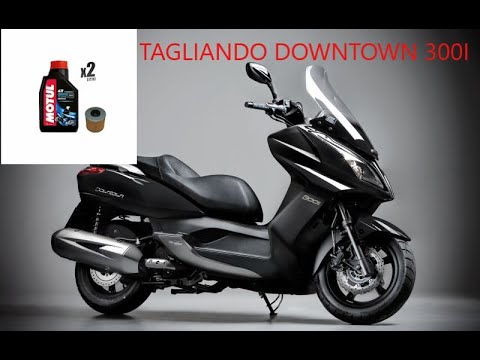
Downtown 300i
First, sit on the seat of your Kymco Downtown 300i. Start by activating the instrument panel by turning the key in the ignition switch. Next, press a…

Downtown 300i
Has your Kymco Downtown 300i covered a certain number of miles and the Service light has come on? If you prefer to handle the engine oil change yours…
Downtown 300i
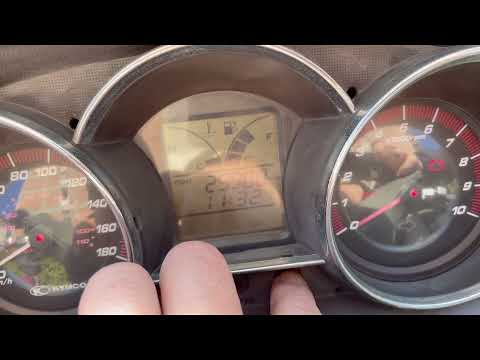
To reset the "SERVICE OIL" light on the Kymco Downtown 300i, follow this procedure. Insert the key and turn on the ignition (but not the engine), pre…
|
How to Replace the Engine Oil in the KTM Duke 390?
As you can see in this tutorial, replacing the engine oil in the KTM Duke 390 is a very simple and quick task. Before proceeding, wait until the engine is completely cold to work safely. Start by placing a container underneath the bike, then locate the drain plug on the lower left side and unscrew it with a socket wrench. Once all the oil contained in the engine has drained out, open the filter housing cap, replace the filter, and reassemble everything. Finally, insert new oil through the designated upper hole. by ScegliAuto More videos
|
|
For advertising on this site Write to info@scegliauto.com
ScegliAuto is not responsible for any inaccuracy of the data in the lists. To report any inaccuracy or your business (if you own the business in question), please write to info@scegliauto.com
Number of seconds to generate the page: 0.008
(c) ScegliAuto 2026 - info@scegliauto.com - Privacy policy VAT number: IT01247470535 |
