
|
Do it yourself
| |||
| ||||


|
Model: Kymco Xtown 300
To replace the air filter on the Kymco Xtown 300, loosen the bolts securing the cover located above the rear wheel, directly above the transmission cover on the left side. Once the bolts securing the cover are loosened, you can detach it and remove the corresponding air filter. After the old filter has been removed from its housing, insert the new replacement part, securing the corresponding cover with the appropriate bolts.
Updated on 30 June 2026 by ScegliAuto
This video is currently unavailable
Related tutorials
Xtown 300
In order to replace the air filter of the Kymco Xtown 300i, you need to loosen the screws that secure the cover of the filter box, located on the lef…

Xtown 300
To replace the transmission on a Kymco XTown 300, loosen the screws securing the transmission cover located on the left side of the bike near the rea…
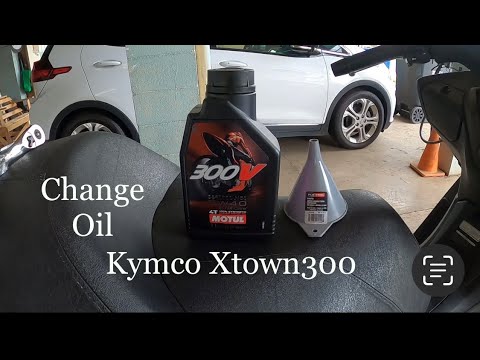
Xtown 300
To change the engine oil on a Kymco Xtown 300, loosen the drain plug of the oil reservoir, located at the central lower part of the bike: once loosen…
|
How to Dismantle the Engine of the KTM EXC 300
To dismantle the engine of the KTM EXC 300, remove the engine block from its housing by unscrewing the bolts that secure it to the supports. Once the engine block is extracted, unscrew the bolts that secure the cylinder at its top, then proceed to remove the side casings. Underneath, you will find the piston and other internal components, such as the clutch. You can now replace the necessary parts and subsequently reinstall the components that were removed earlier. by ScegliAuto More videos
|
|
For advertising on this site Write to info@scegliauto.com
ScegliAuto is not responsible for any inaccuracy of the data in the lists. To report any inaccuracy or your business (if you own the business in question), please write to info@scegliauto.com
Number of seconds to generate the page: 0.042
(c) ScegliAuto 2026 - info@scegliauto.com - Privacy policy VAT number: IT01247470535 |
