
|
Do it yourself
| |||
| ||||


How to Remove the Original Radio from a Lancia Musa
Model: Lancia Musa
MK 1
- Years:
2004, 2005, 2006, 2007, 2008, 2009, 2010, 2011, 2012
Video tutorial
To perform this operation, it is useful to have two extraction keys, which you can find on Amazon with the code B0DWRYXW2N for £4.09 per pair with free delivery. It is always wise to disconnect the battery and wait 5 minutes before working on this device. If there is a frame around the radio panel, remove it using a plastic tool, then insert the extraction keys into the visible holes in the radio fascia, and pull simultaneously forward and outward. The radio will slide out of its housing. Some models may have security clips, but generally, the radio comes out, and at this point, simply disconnect the electrical connectors at the back.
Posted on 1 August 2026 by ScegliAuto
Related tutorials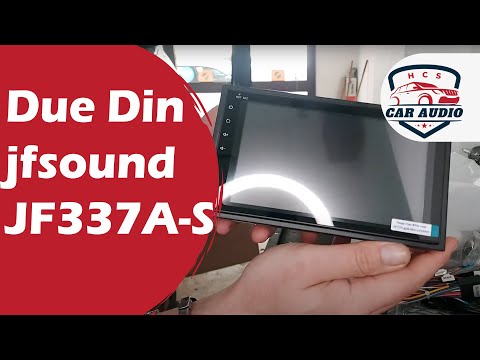
Lancia Musa
(2004-2012 /
MK 1)
This video shows the main steps to remove the original radio and install a new 2 DIN stereo in the Lancia Musa, as well as in the Ypsilon and Delta. …
Lancia Musa
(2004-2012 /
MK 1)
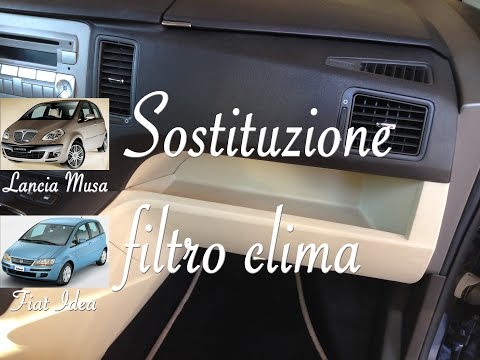
Before you can start, sit in the front passenger seat of your Lancia Musa. Begin by removing the glove compartment by unscrewing the relevant fixing …
Lancia Musa
(2004-2012 /
MK 1)
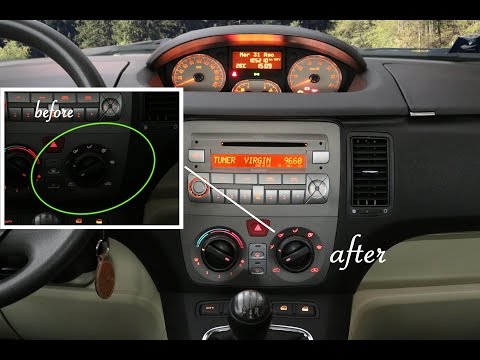
How do you replace the bulbs/LEDs in the central console of a Lancia Musa? Follow these steps: remove the radio from the dashboard (above the air con…
Other guides you may be interested in
|
How to Activate the Disabled TRC on the Toyota Yaris?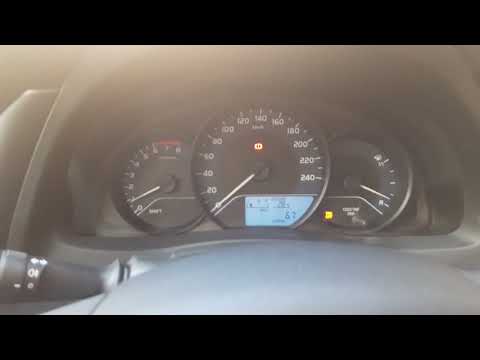
As the video clearly shows, disabling or activating the traction control (TRC or ESP) on the Toyota Yaris is very simple. By default, the traction system activates every time the vehicle is started. To disable it, simply press the button depicting a skidding car located in the centre of the vehicle where the controls are, such as the hazard lights and the radio, but near the handbrake. Once disabled, the TRC off light will illuminate on the dashboard. To reactivate it, just press the same button again. by ScegliAuto More videos
|
|
For advertising on this site Write to info@scegliauto.com
ScegliAuto is not responsible for any inaccuracy of the data in the lists. To report any inaccuracy or your business (if you own the business in question), please write to info@scegliauto.com
Number of seconds to generate the page: 0.122
(c) ScegliAuto 2026 - info@scegliauto.com - Privacy policy VAT number: IT01247470535 |
