
|
Do it yourself
| |||
| ||||


How to Fix the Fuel Gauge Issue on the Land Rover Freelander II
Model: Land Rover Freelander
Freelander 2
- Years 2006-2016
This is a simple way to fix the stuck fuel gauge issue on the Land Rover Freelander II: open the bonnet and disconnect the negative terminal, then wait 10 to 15 minutes; this time is crucial to allow the ECU and instrument cluster capacitors to discharge completely, forcing a hard reset. Reconnect the terminal and turn on the vehicle's instrument cluster without starting the engine, observing the fuel gauge, which should move to the correct position. Take a short test drive to check if the gauge moves correctly while driving.
Posted on 30 July 2026 by ScegliAuto
Video tutorial
Related tutorials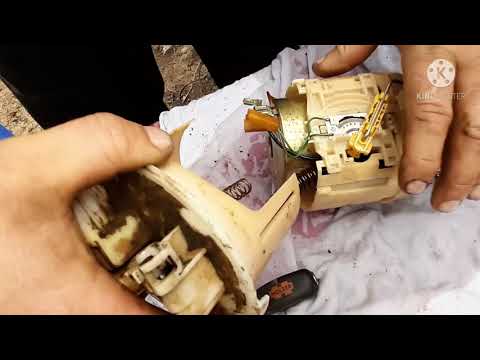
Land Rover Freelander
(1997-2006 /
Freelander 1)
Briefly, you will see the instructions that will allow you to remove and replace the fuel pump on the Land Rover Freelander 1.8. First, open the rear…

Land Rover Freelander
(2006-2016 /
Freelander 2)
In this brief guide, we will see the instructions that will allow us to disassemble and replace the fuel pump on a Land Rover Freelander. To access t…
Land Rover Freelander
(1997-2006 /
Freelander 1)
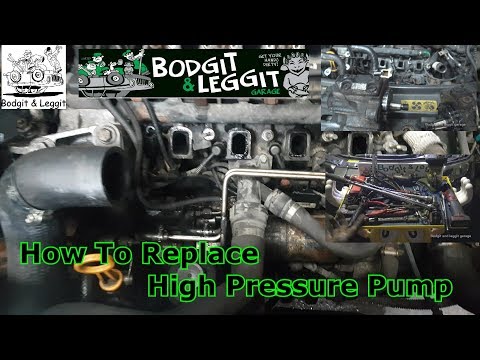
This video provides instructions to remove and replace the high-pressure fuel pump on the Land Rover Freelander TD4. First, open the bonnet and remov…
Other guides you may be interested in
|
How to reset the tyre pressure warning light on a Hyundai Tucson
Below are the instructions to reset the tyre pressure warning light (TPMS) on a Hyundai Tucson. First, get into the vehicle and turn on the instrument cluster; then navigate to the vehicle settings until you reach the tyre pressure monitor, identifying the tyre with incorrect pressure. At this point, restore all tyre pressures according to the specifications indicated on the label; this will reset the TPMS and the warning light will be cleared from the instrument cluster! by ScegliAuto More videos
|
|
For advertising on this site Write to info@scegliauto.com
ScegliAuto is not responsible for any inaccuracy of the data in the lists. To report any inaccuracy or your business (if you own the business in question), please write to info@scegliauto.com
Number of seconds to generate the page: 0.075
(c) ScegliAuto 2026 - info@scegliauto.com - Privacy policy VAT number: IT01247470535 |
