
|
Do it yourself
| |||
| ||||


|
The guide shows how to replace the Lexus UX remote control battery. The first operation to perform is to remove the emergency key from the remote control by pressing the release button on the side of the device. With the tip of the wrench or with the tip of a screwdriver, pry into the slot opened to disconnect the two faces of the remote control. Remove the battery from its seat, with the aid of a screwdriver, and replace it with a buffer battery model CR2032. Close the remote control and check that the remote control works correctly before taking the road.
Posted on 20 October 2022 by ScegliAuto
Video tutorial
Related tutorials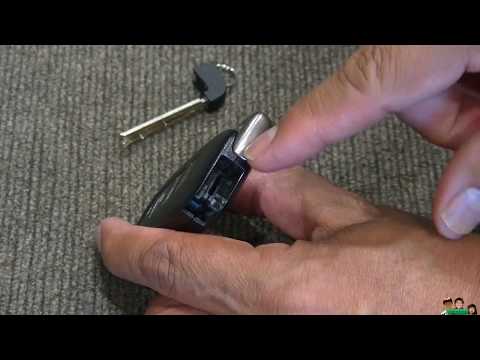
Lexus UX
(2018-2026 /
MK 1)
In order to replace the Lexus Ux remote control battery, you need to press the button on the side in order to remove the key from inside its housing.…
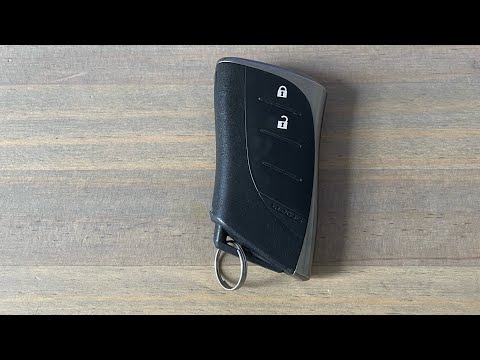
Lexus UX
(2018-2026 /
MK 1)
In order to replace the battery of the Lexus UX remote control, you need to slide out the key from the top of the device, removing it completely. Aft…
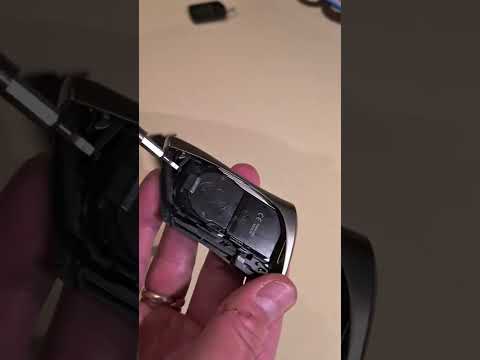
Lexus UX
(2018-2026 /
MK 1)
In this video tutorial, we will see the steps on how to disassemble and replace the battery of the Lexus UX key remote. First, we take the remote in …
Other guides you may be interested in
|
How to Replace the Front Headlight Bulb in a Toyota Auris
To perform this simple task, first disconnect the battery to protect any sensitive circuits. Then, to access the back of the headlight, lift the windscreen washer fluid funnel. Now, remove the covers at the back of the headlight to replace the necessary bulbs. Extract the bulb and disconnect the connector that powers it. Finally, reverse the steps for refitting. by ScegliAuto More videos
|

|
For advertising on this site Write to info@scegliauto.com
ScegliAuto is not responsible for any inaccuracy of the data in the lists. To report any inaccuracy or your business (if you own the business in question), please write to info@scegliauto.com
Number of seconds to generate the page: 0.151
(c) ScegliAuto 2026 - info@scegliauto.com - Privacy policy VAT number: IT01247470535 |
